Build a rule
- Version
- 3.x
- Updated
Audience: store admins · Scope: the rule editor · Last reviewed: 2026-07-20
What this does — Makes a question or answer conditional: it shows (or hides) only when the conditions you build here are met. Customers then only ever see valid, relevant choices.
Before you start
- Decide the sentence you want, in words: "Show the Engraving text question if the answer in Add engraving is Yes." If you can say it, you can build it.
- The questions/answers the rule refers to must already exist.
Steps
-
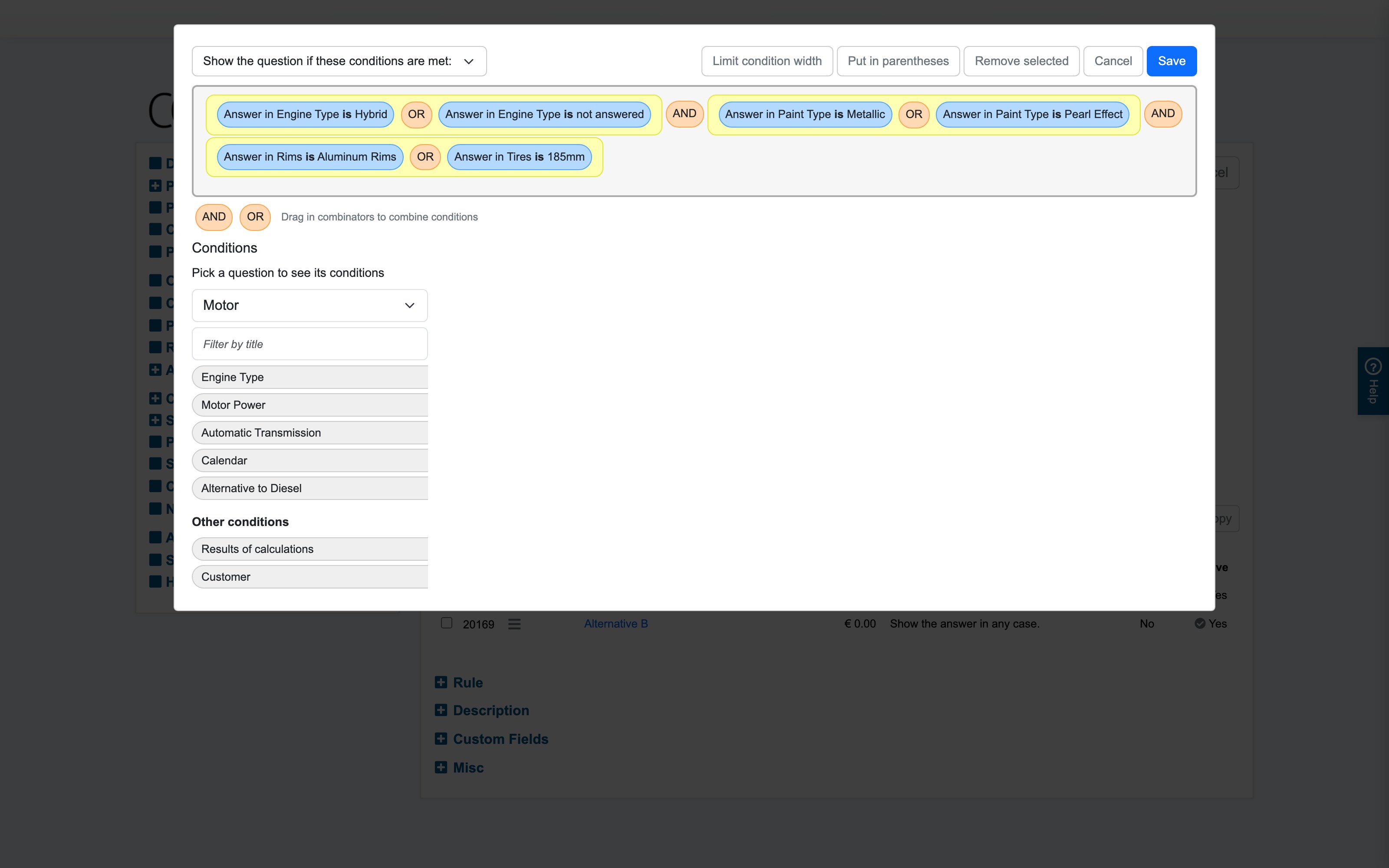
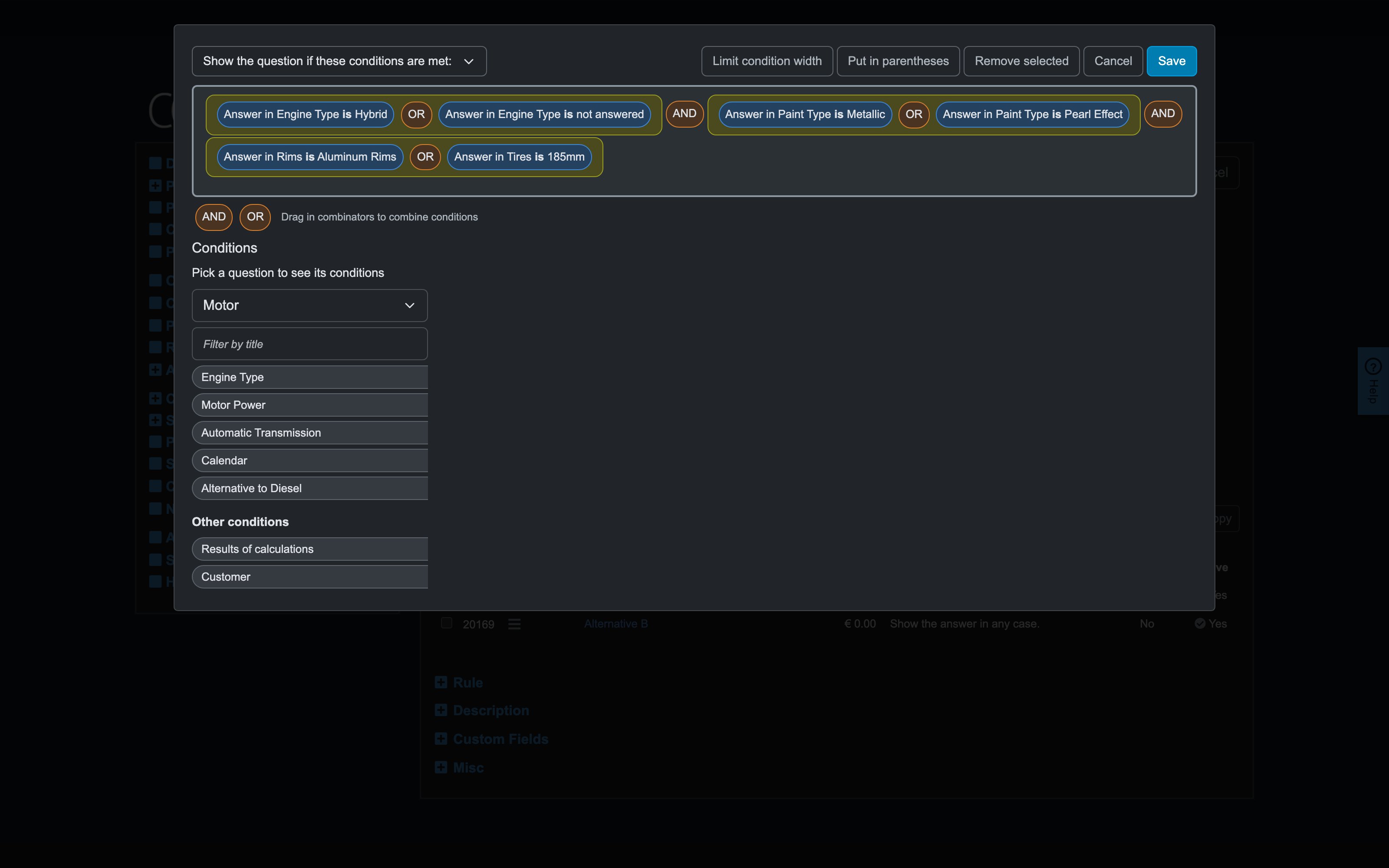
Open the question or answer, expand its Rule section, and click Change. The rule editor opens:
-
At the top, pick the rule's meaning: Show the question if these conditions are met or Hide the question if these conditions are met — whichever reads more naturally.
-
Build conditions from the Condition Types tabs:
- Answers to questions — pick a question in the dropdown to see its draggable conditions (for a choice question: one per answer; for value questions: its entered value, and its price). Drag one into the rule area at the top.
- Results of calculations — drag in a calculation's result to compare against a number.
- Customer — conditions on the customer's group.
-
Set each condition's operator by clicking it: is, is not, is below, is or below, is above, is or above — and type the value to compare against where the condition takes one.
-
Combine multiple conditions by dragging in the AND / OR combinators (top right). To control precedence, select conditions and click Put in parentheses — e.g.
(Use is Indoor OR Use is Covered) AND Material is Steel. -
Housekeeping: Remove selected deletes marked pieces; Limit condition width compacts long chips for readability.
-
Save in the editor, then save the question/answer form.
What happens next
The rule evaluates live on every selection change. When it stops applying, the question/answer hides or greys out — and what happens to an already-made selection is governed by the companion behaviors.
Good to know
- Copy/paste: the Rule section's buttons copy a whole rule between questions/answers — build once, reuse, adjust. Delete reverts to "always show".
- Rules on answers are how you thin out a choice list per context; rules on questions remove whole inputs.
- Copying a product re-points all rule references to the copy automatically — rules don't leak across products.
- Rules re-evaluate on every change across the product; hundreds of deep rules can slow the configurator — keep conditions focused.
- A rule only decides visibility. Requiring an answer stays with the question's "has to be answered" switch; prices stay with pricing.