Products & configurator
- Version
- 3.x
- Updated
Audience: store admins · Scope: building what your customers configure and buy · Last reviewed: 2026-07-25
TL;DR — A configurable product is a small hierarchy: the Product carries pricing and presentation, its Pages are the configuration steps, each page holds Questions (the inputs), and choice questions offer Answers. You build all of it from the product tree under Products — and everything you build shows up live on the storefront.
Platform note (Magento 2): this system fully applies on Magento-hosted stores — with one exception: product lists are Magento's job (its catalog does that), and the Product Lists screen is hidden there. See CBX on Magento 2.
Articles
- How a product fits together — the mental model to read before building anything.
- Add a product — create the product record: titles, listings, images, base price, visibility.
- Add pages and questions — the configuration steps and the inputs on them, including all question types.
- Add answers to a question — the choices customers pick from: prices, images, defaults, ordering, availability.
- Set up the visual preview — 2D composite layers or a 3D ShapeDiver model that update with every choice.
- Manage product lists — the catalogs your storefront shows.
- Add product detail panes — the titled info blocks (specs, care, delivery) on a product's storefront detail page.
- Copy and retire products — duplicate a product's structure, and take a product offline without deleting its history.
- Edit from the storefront as a manager — tweak questions and answers inline, while looking at the live configurator.
- Move products between sites — export a product and everything belonging to it as a package, and import it into another CBX install: staging to live, or one client's site to another.
Where everything lives
Open Products in the CBX menu — the product tree is your home base:
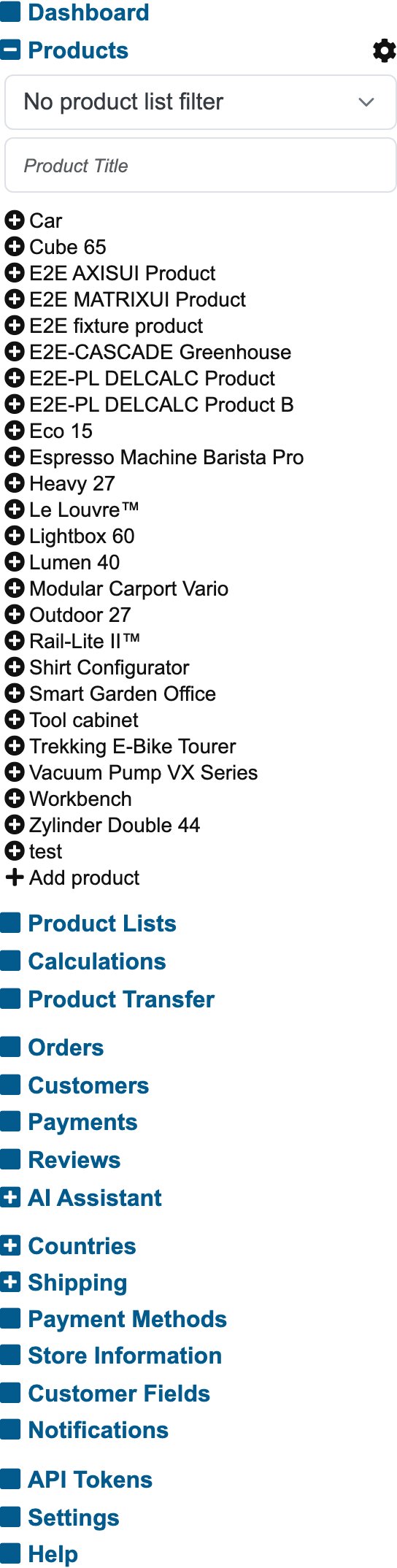
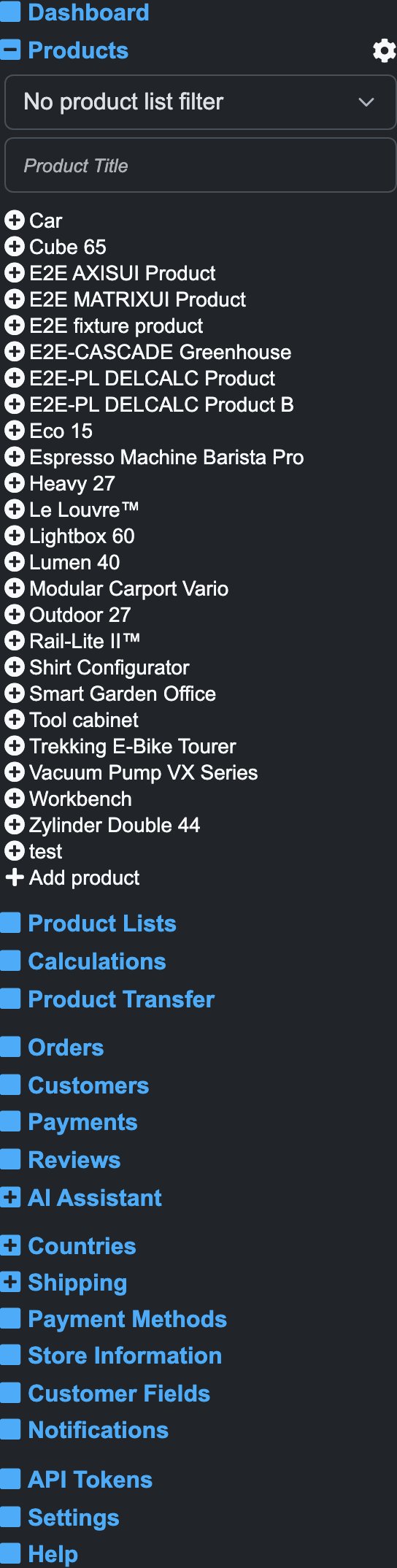
Every product expands to its pages, questions and answers; clicking any node opens its edit form, and Add product at the bottom starts a new one. The other entry point is the storefront itself: as a logged-in manager you get edit buttons on hover, opening the same forms in context.