Orders & daily operations
- Version
- 4.0 preview
- Updated
Audience: store admins, back-office staff · Scope: running the store once customers use it · Last reviewed: 2026-07-20
TL;DR — Orders arrive as frozen snapshots — you don't edit their content, you move them through a status lifecycle (Ordered → Paid → Confirmed → Shipped …). Status changes trigger the notification emails; invoices and manufacturing slips generate from the order screen. Alongside orders you manage customer records and moderate reviews.
Platform note (Magento 2): this whole system does not apply on Magento-hosted stores — orders, customers, reviews and all emails are Magento's, and CBX keeps no order records there (the screens described here are hidden). See CBX on Magento 2.
Articles
- Process an order — find it, read it, change its status, produce invoice and manufacturing slip.
- Set up the order emails — the status-triggered templates and their placeholders.
- Manage customers — addresses, VAT numbers, group membership, guest accounts.
- Moderate reviews — the approval queue for product reviews.
- Handle quotations and saved carts — the non-purchase flows: Request Quote and Save Cart, and how they land in Orders.
The screens
-
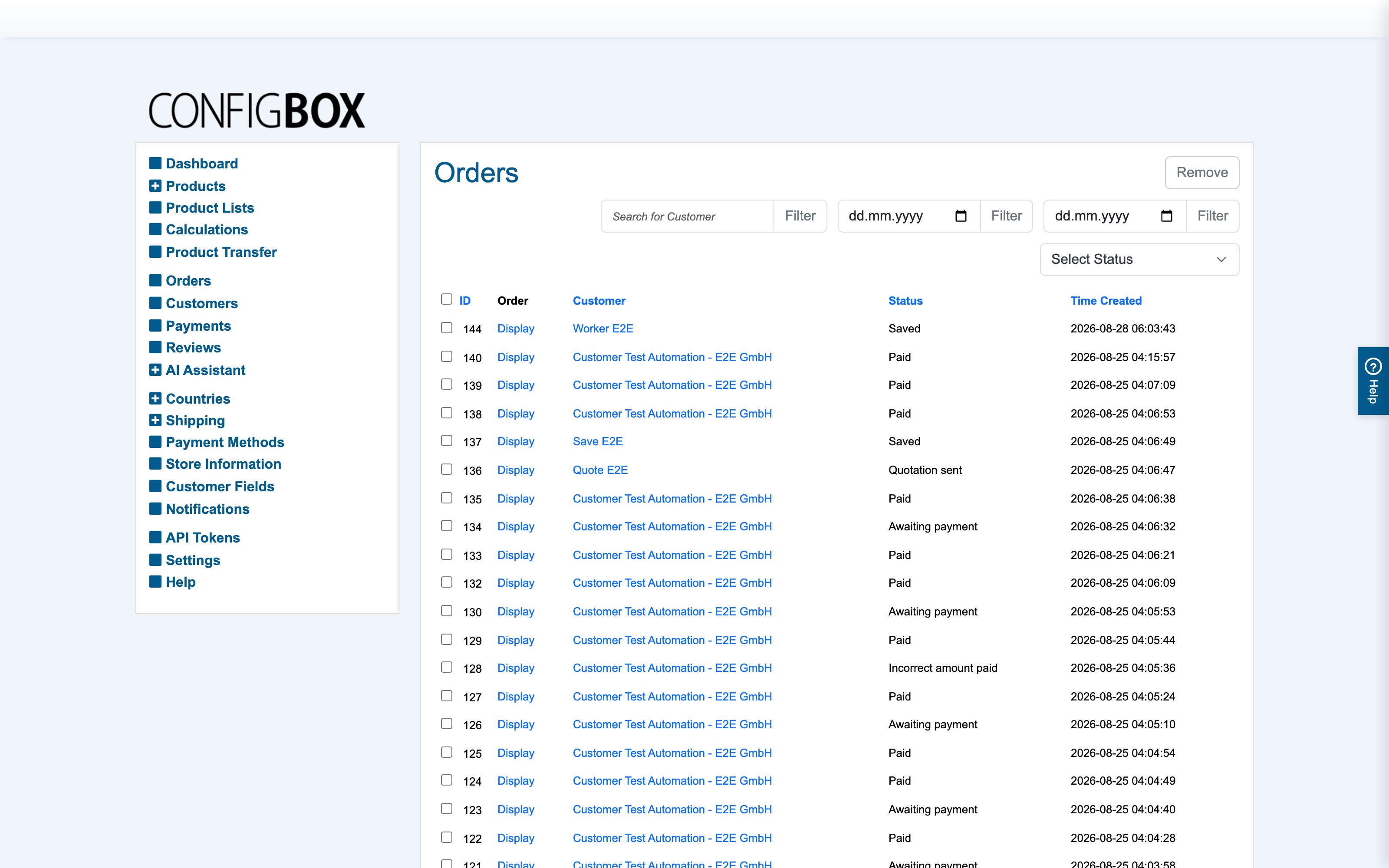
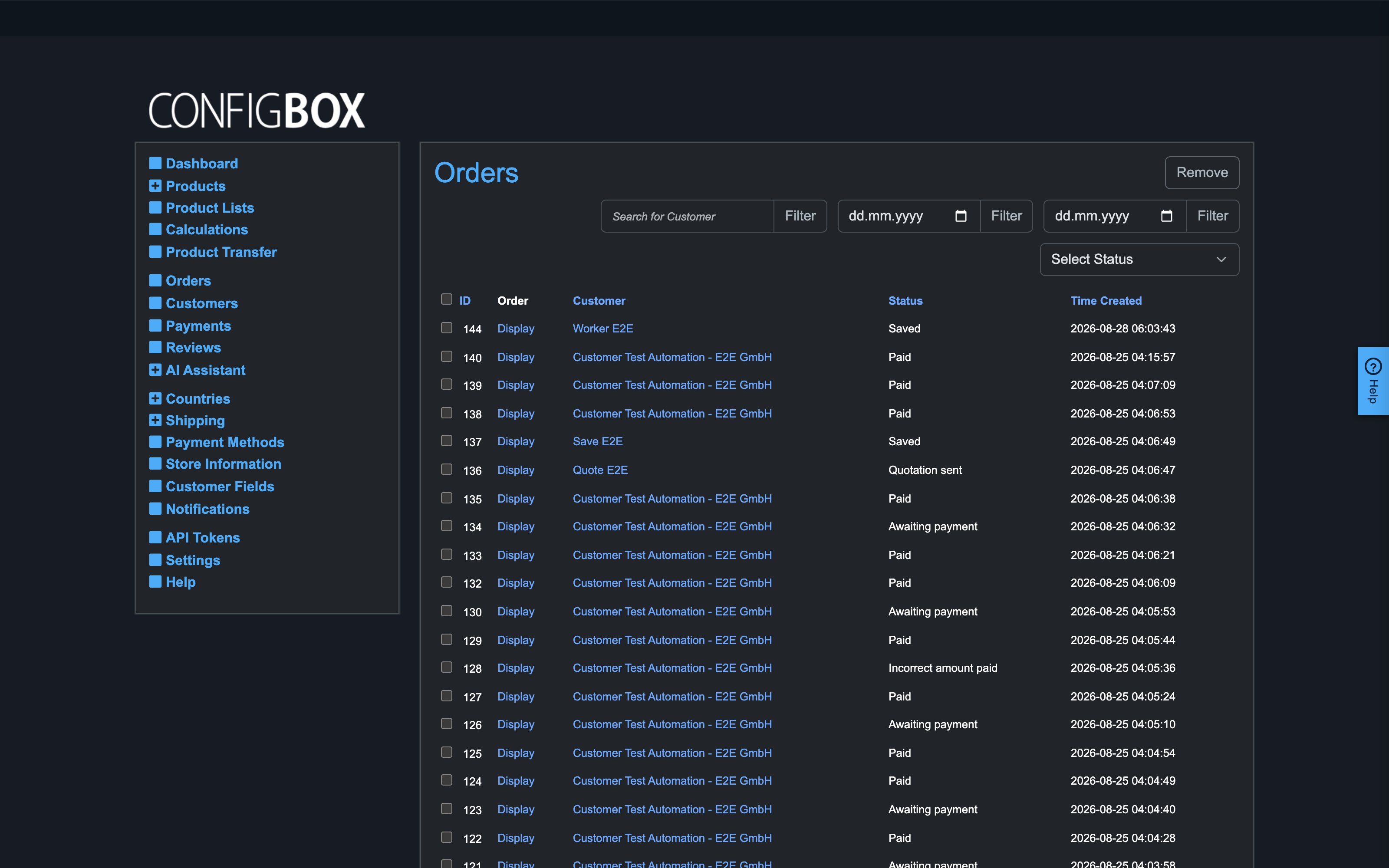
Orders — every order, quotation and saved cart, with customer search, date and status filters:
-
Customers — the customer records behind orders: billing/delivery addresses, VAT number, customer group, language, newsletter opt-in.
-
Reviews — the moderation queue; new reviews arrive unpublished and go live when you activate them.
-
Notifications — the status-triggered email templates (to the customer and/or the shop manager, with placeholders for order and customer data).
The status lifecycle
| Status | Meaning |
|---|---|
| Not ordered / In Checkout | a cart that hasn't been submitted (yet) |
| Ordered | placed, awaiting payment |
| Paid | payment received (Incorrect amount paid flags a mismatch) |
| Confirmed | accepted by you |
| Shipped | dispatched |
| Cancelled / Refunded | terminated |
| Saved | a saved-for-later cart |
| Quotation requested / Quotation sent | the request-a-quote flow |
Each status change can fire its matching notification email — which is why you drive orders by status instead of emailing manually.