Customers, taxes, shipping & payment
- Version
- 4.0 preview
- Updated
Audience: store admins · Scope: the commercial rules around the configurator · Last reviewed: 2026-07-20
TL;DR — Four questions decide every checkout: who is buying (customer group → B2B/B2C mode, permissions, discounts), in what currency, how it's taxed (tax class × the customer's place), and how it ships and gets paid (country → zone → shipping methods; group/country → payment methods). Each has its own screen; this page explains how they interlock.
Platform note (Magento 2): this whole system does not apply on Magento-hosted stores — customers, currencies, taxes, shipping and payment are set up in Magento, and the CBX screens described here are hidden there. See CBX on Magento 2.
Articles
- Set up customer groups — B2B/B2C, buy-vs-quote permissions, volume discounts.
- Manage currencies — base vs default, multipliers, adding a currency.
- Set up taxes — tax classes, place-based overrides, the EU VAT flags.
- Set up shipping — shippers, zones, weight-band methods.
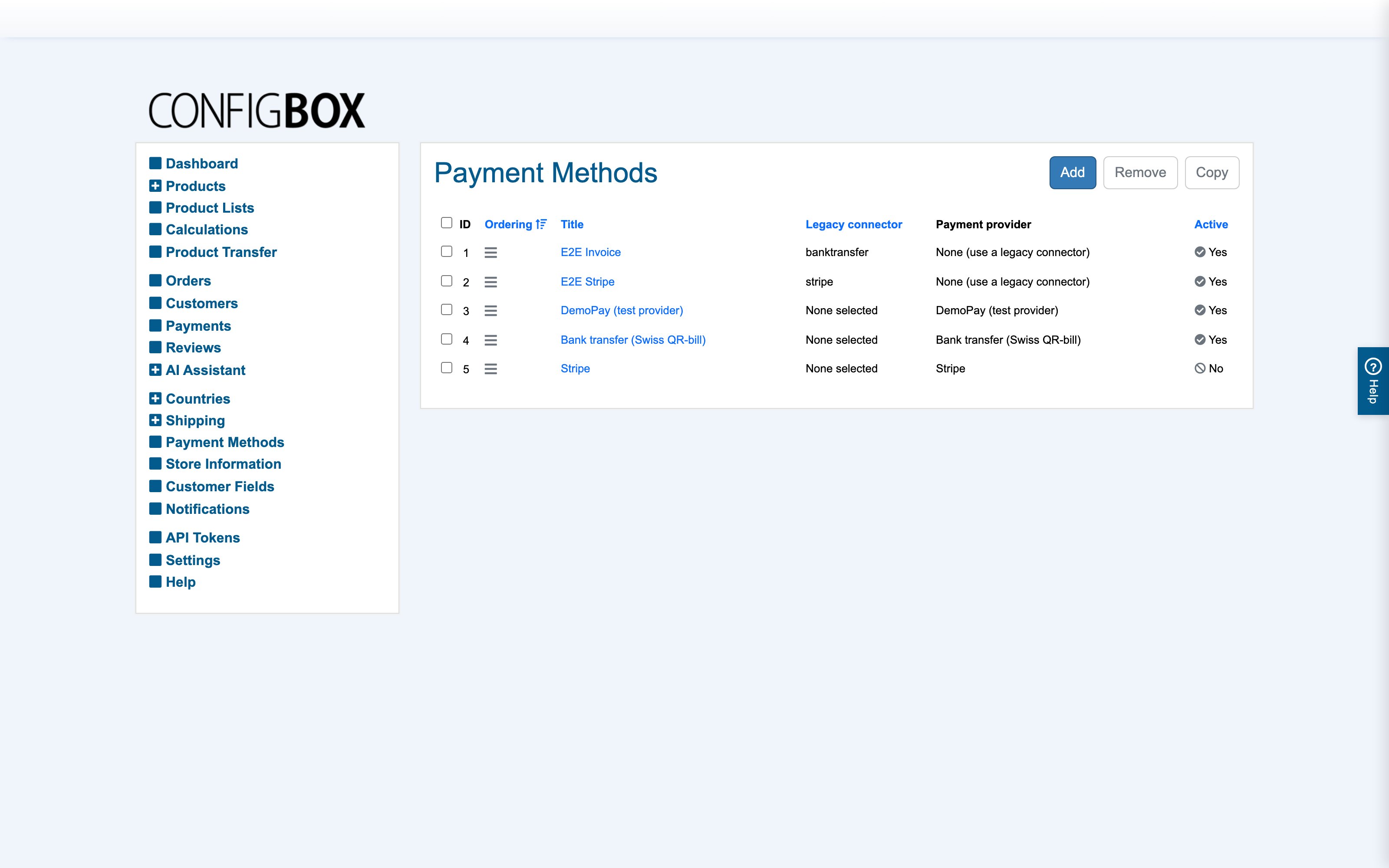
- Set up payment methods — providers, surcharges, availability limits.
Customer groups — the policy hub
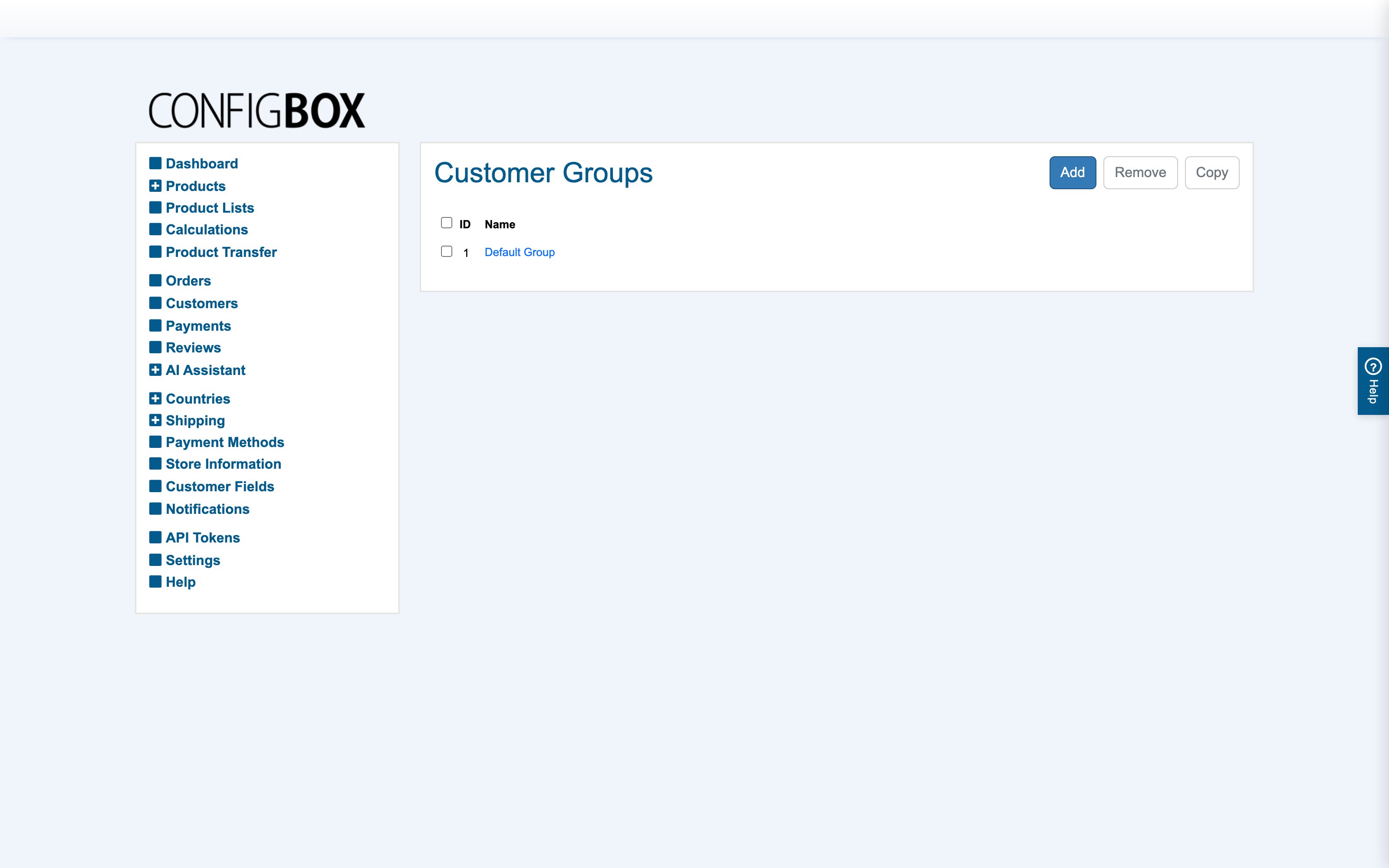
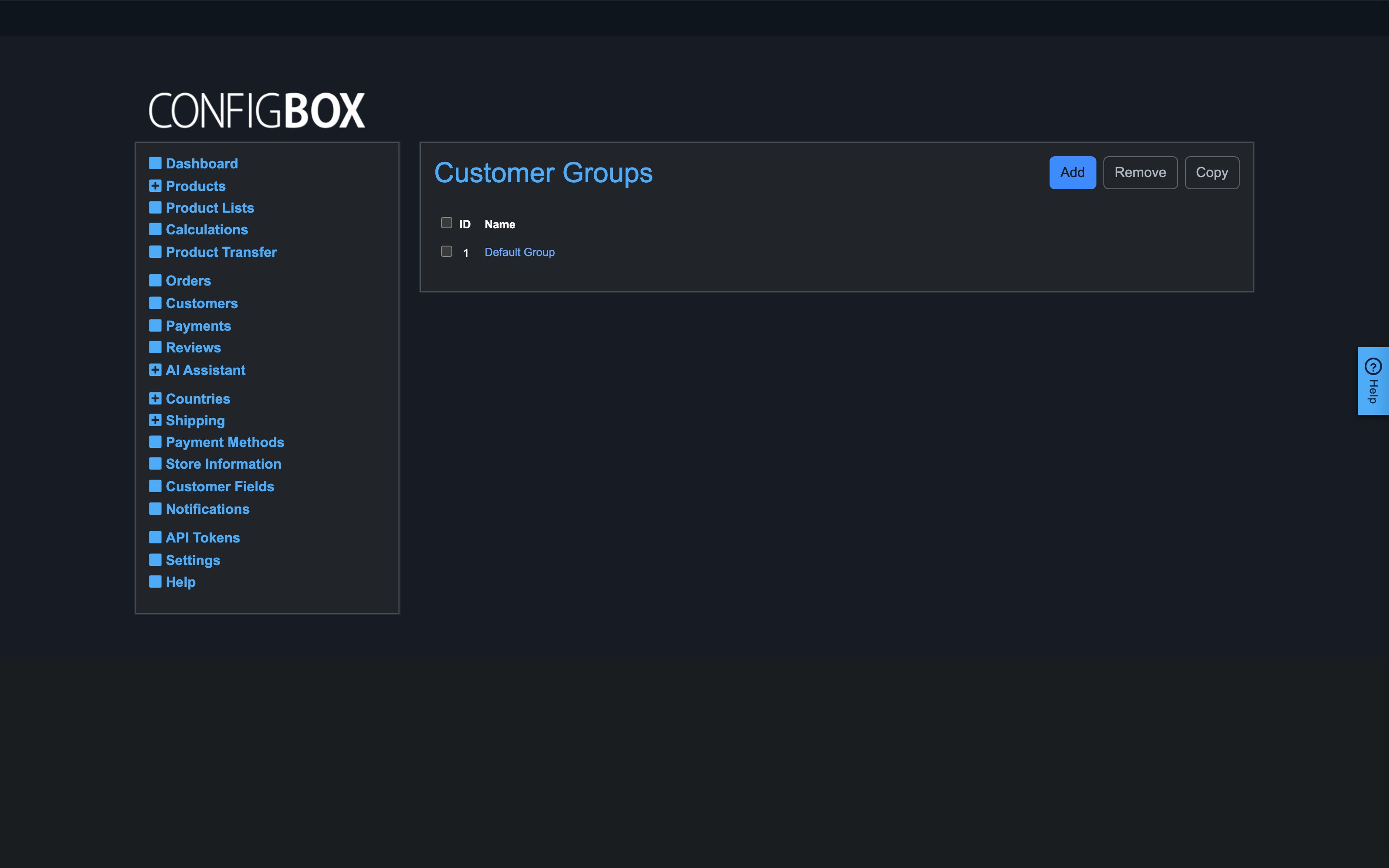
Settings → Customer Groups (also embedded in the Settings screen). A customer belongs to one group (guests get the default group set in Settings); the group decides:
- Tax display mode — B2C (tax-inclusive prices) or B2B (net prices).
- Permissions — whether the group sees prices at all, can check out, can save carts, can request quotations (and whether quote PDFs download or come attached to the email). This is how you run "consumers buy, trade requests quotes" setups.
- Volume discounts — up to five tiers ("from €X net order value: Y% off"), separately for regular and recurring totals; the highest qualifying tier applies automatically in the cart.
Currencies
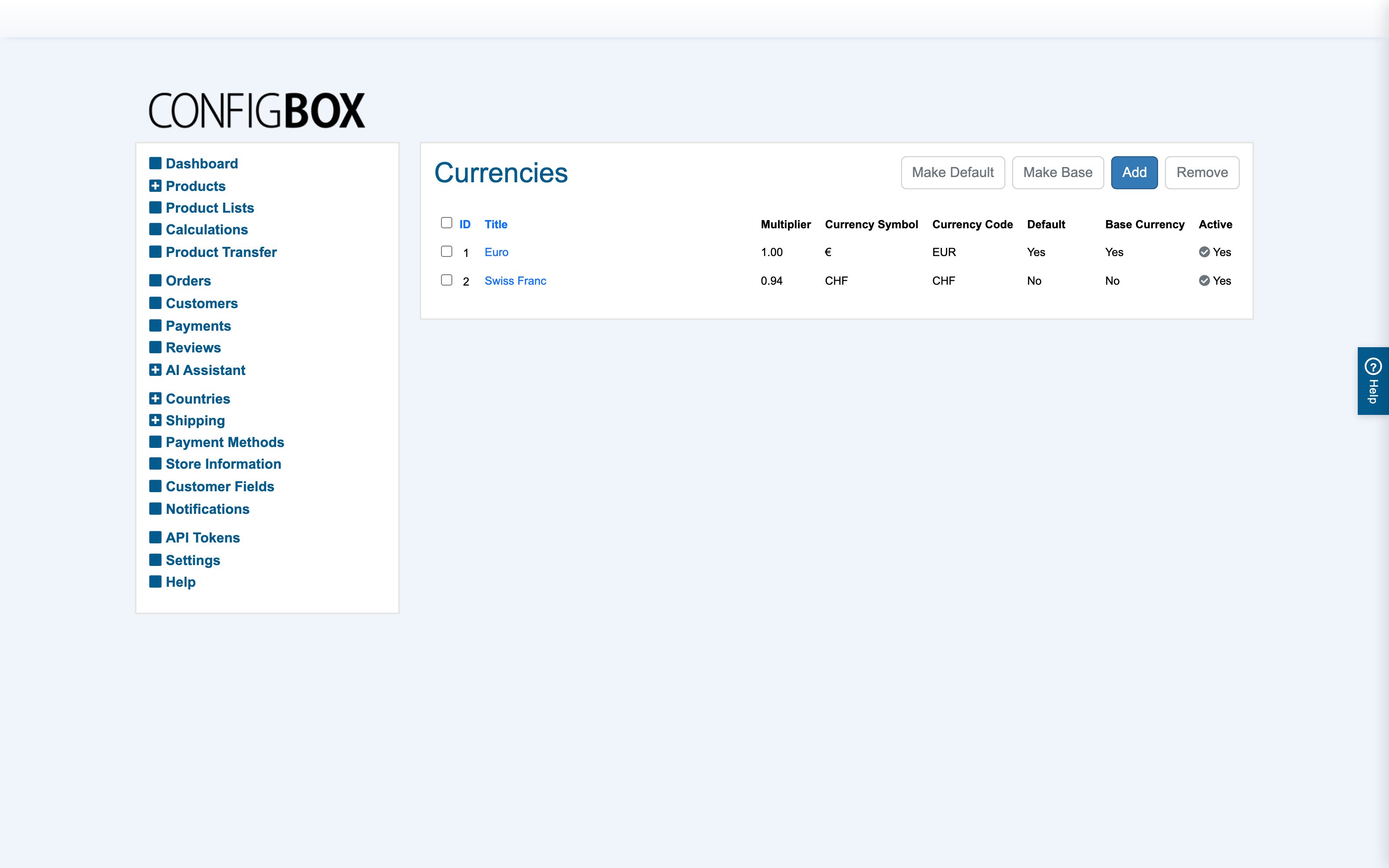
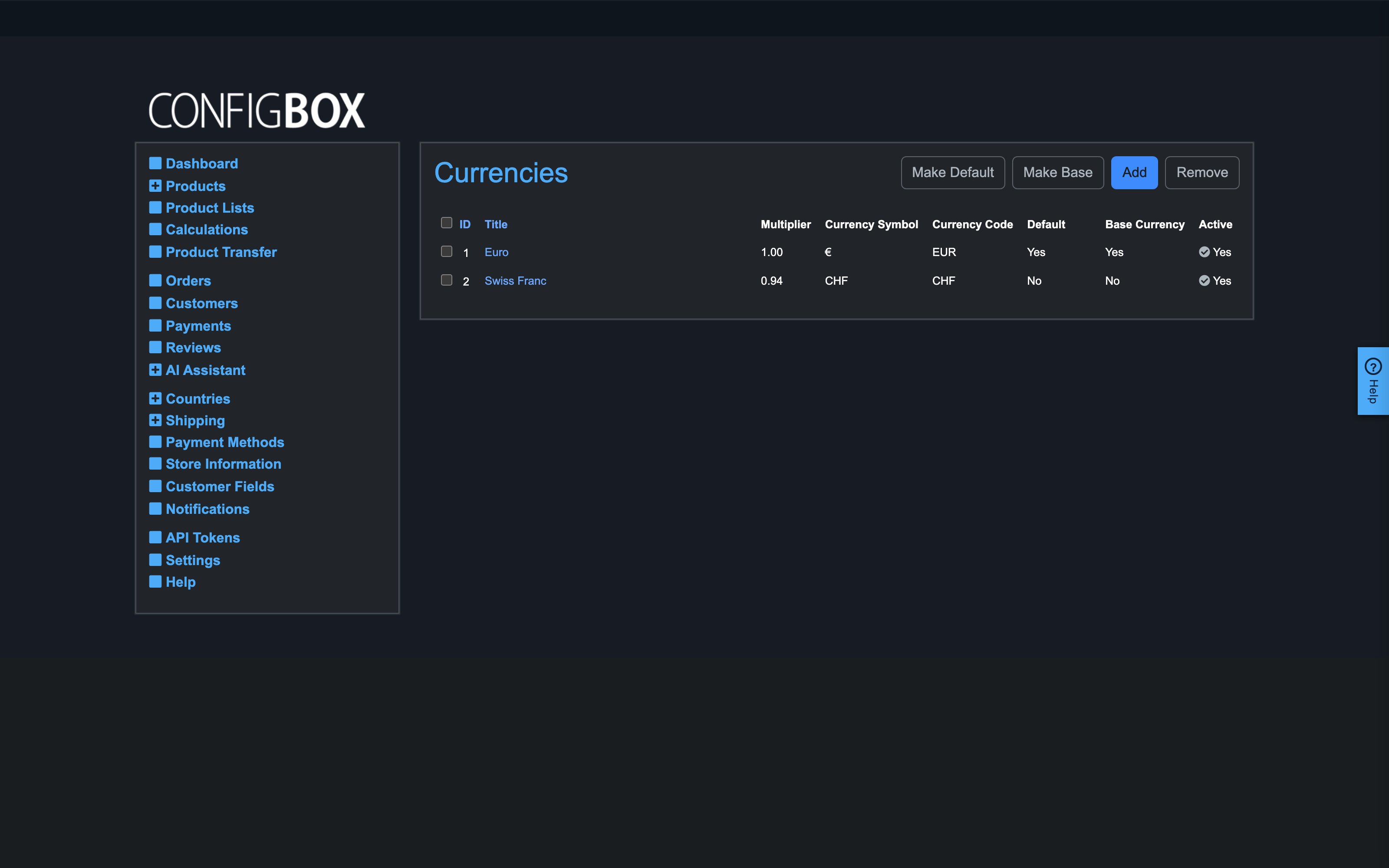
Base currency is what you author every price in; other currencies convert via their multiplier. Default is what visitors see first. Symbol, code and active flag per currency.
Taxes and geography
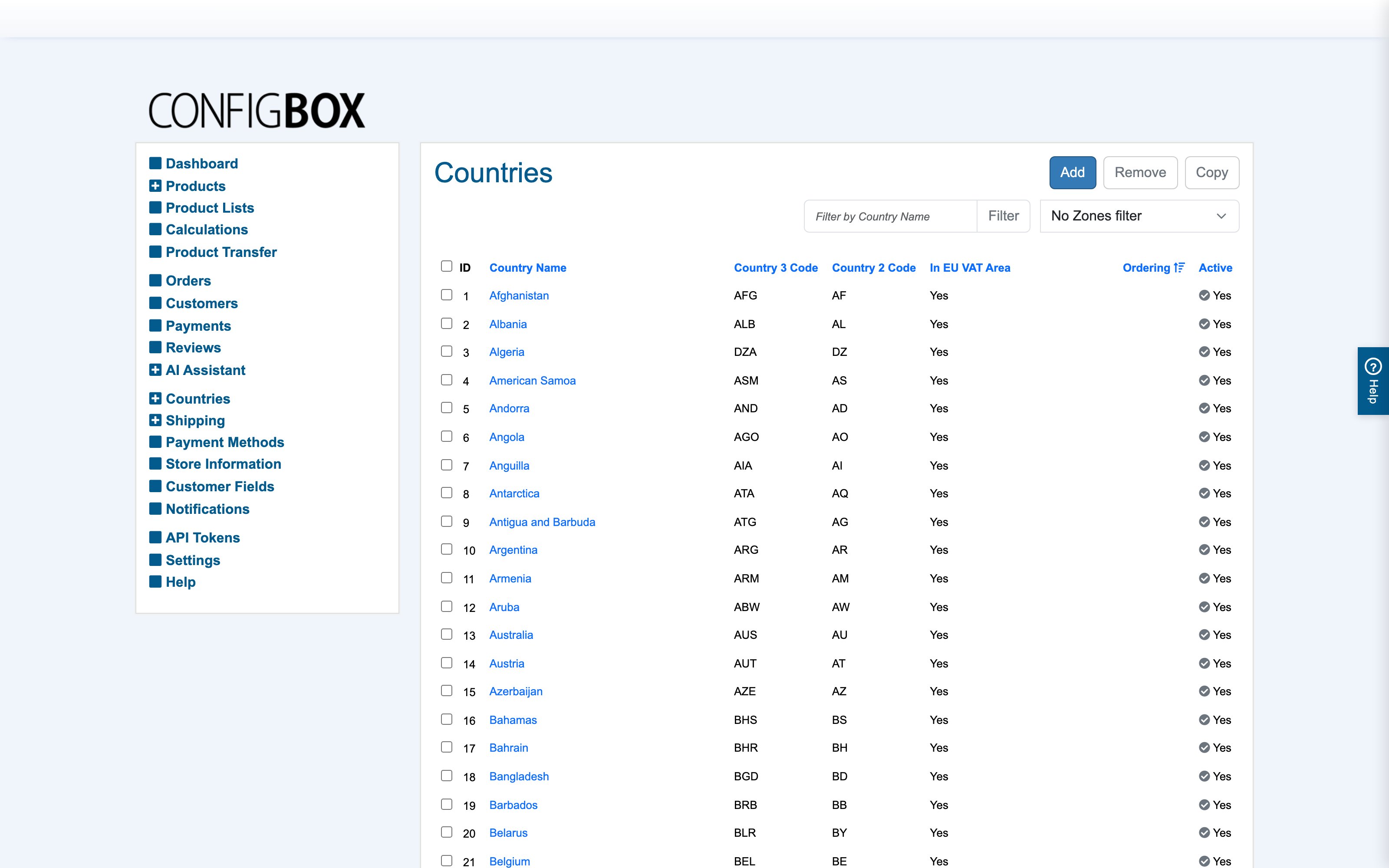
Tax Classes (embedded in Settings) hold a name and a default rate; products, shipping and payment surcharges reference a class. The Countries screens (Countries → States → Counties → Cities) can override any class's rate per place — the most specific place wins. Countries also carry the VAT free and EU VAT area flags that drive B2B reverse-charge handling for valid VAT IDs.
Shipping
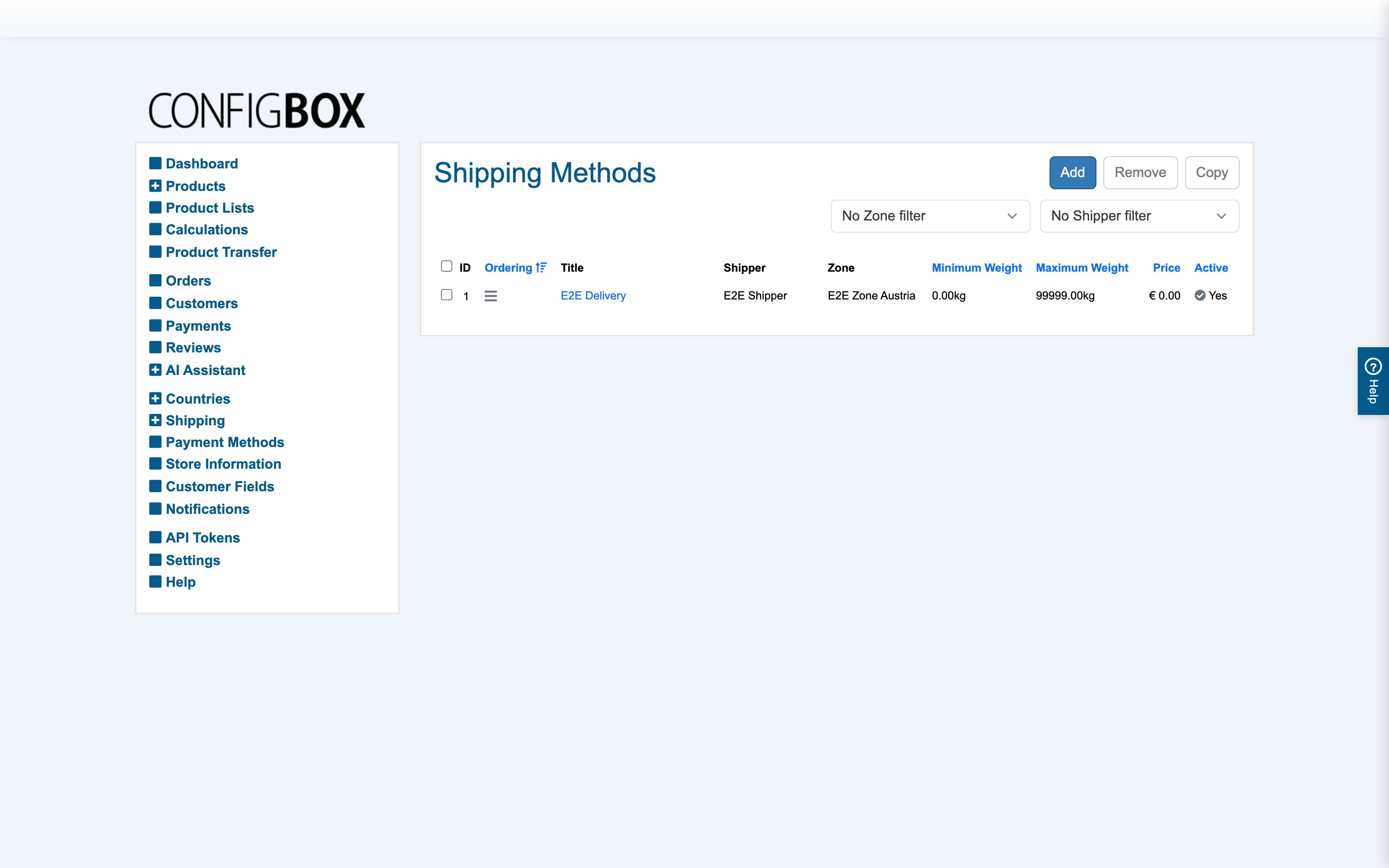
Three pieces under Shipping: Shippers (the carrier names), Shipping Zones (country groups like "EU", "Domestic"), and Shipping Methods — the actual options offered at checkout, each tied to a zone, a cart-weight band (min/max), a price, a delivery-time text and a tax class. The customer's country picks the zone; the cart weight picks the band. Shipping can be disabled store-wide in Settings for digital/service products.
Payment methods
Each method names its payment provider and its configuration, an optional surcharge (fixed and/or percentage, clamped by min/max, taxed per its tax class), and can be restricted to certain customer groups and countries — only methods valid for the buyer are offered.
How it combines at checkout
- The customer's group sets pricing mode, permissions and discounts.
- Their currency converts all amounts.
- Each line's tax class rate resolves by their place (city → county → state → country → default), with VAT-free/EU rules applied.
- Their country → zone plus cart weight select the shipping options.
- Their group + country select the payment options; the chosen one adds its surcharge.