Pricing & calculations
- Version
- 4.0 preview
- Updated
Audience: store admins · Scope: everything that determines a configured product's price · Last reviewed: 2026-07-25
TL;DR — Simple pricing needs no formulas at all: a product base price plus a static price per answer. When a price must depend on the configuration — area pricing, bracketed rates, quantity effects — you build a calculation (a named, product-scoped formula) and attach it to a question or answer. The customer always sees the resulting price live.
Platform note (Magento 2): building prices fully applies on Magento-hosted stores, but taxes and currencies come from Magento, not from CBX screens — the configured price is calculated here and taxed by the Magento product's tax class. See CBX on Magento 2.
What can you build?
The three calculation styles cover just about any pricing scheme a configurable product needs — and they compose, so one calculation can feed another:
-
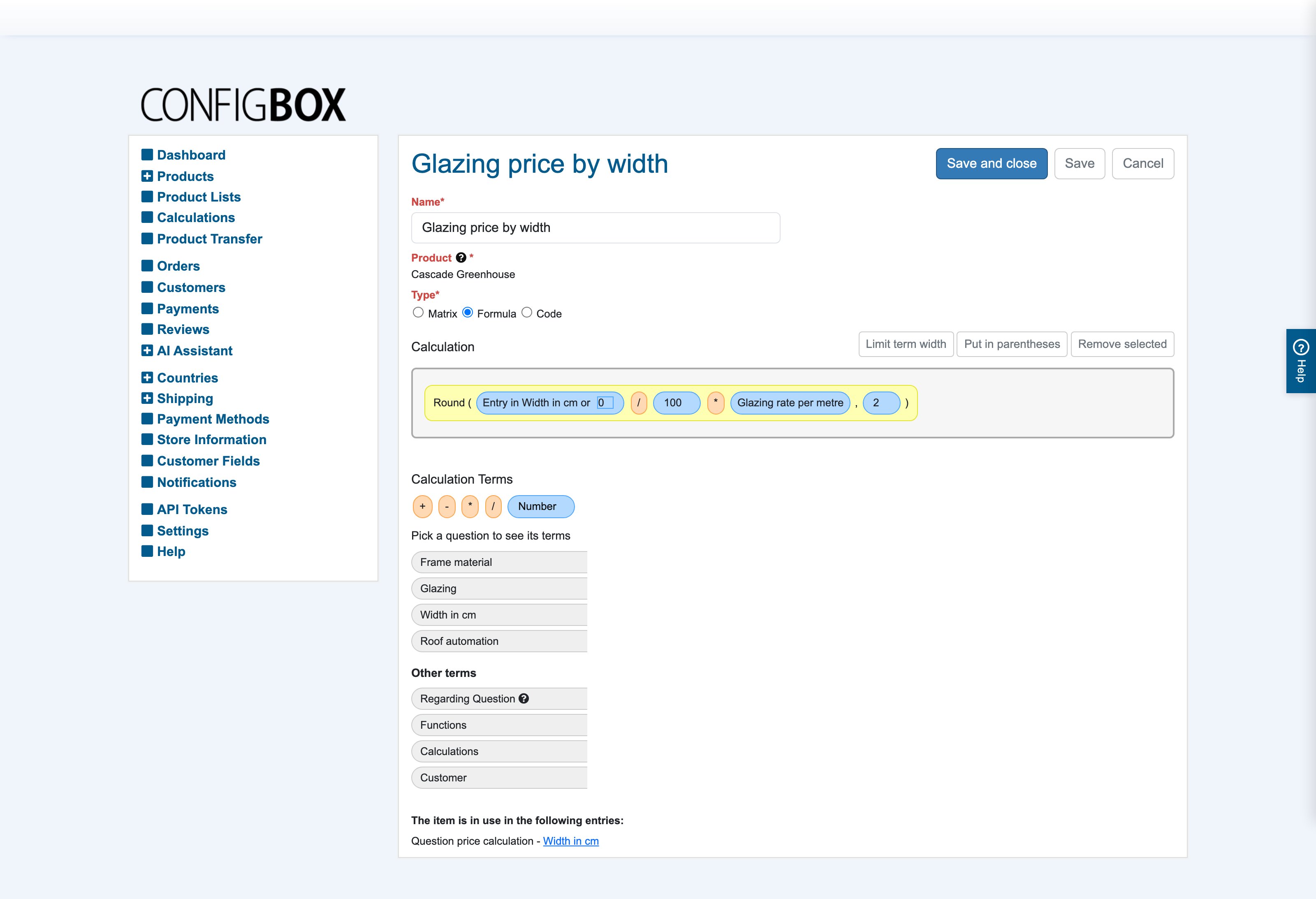
Area & measure pricing — price from what the customer types. The formula below charges €89/m² from the entered width and height, rounded to cents — built entirely by drag-and-drop:
-
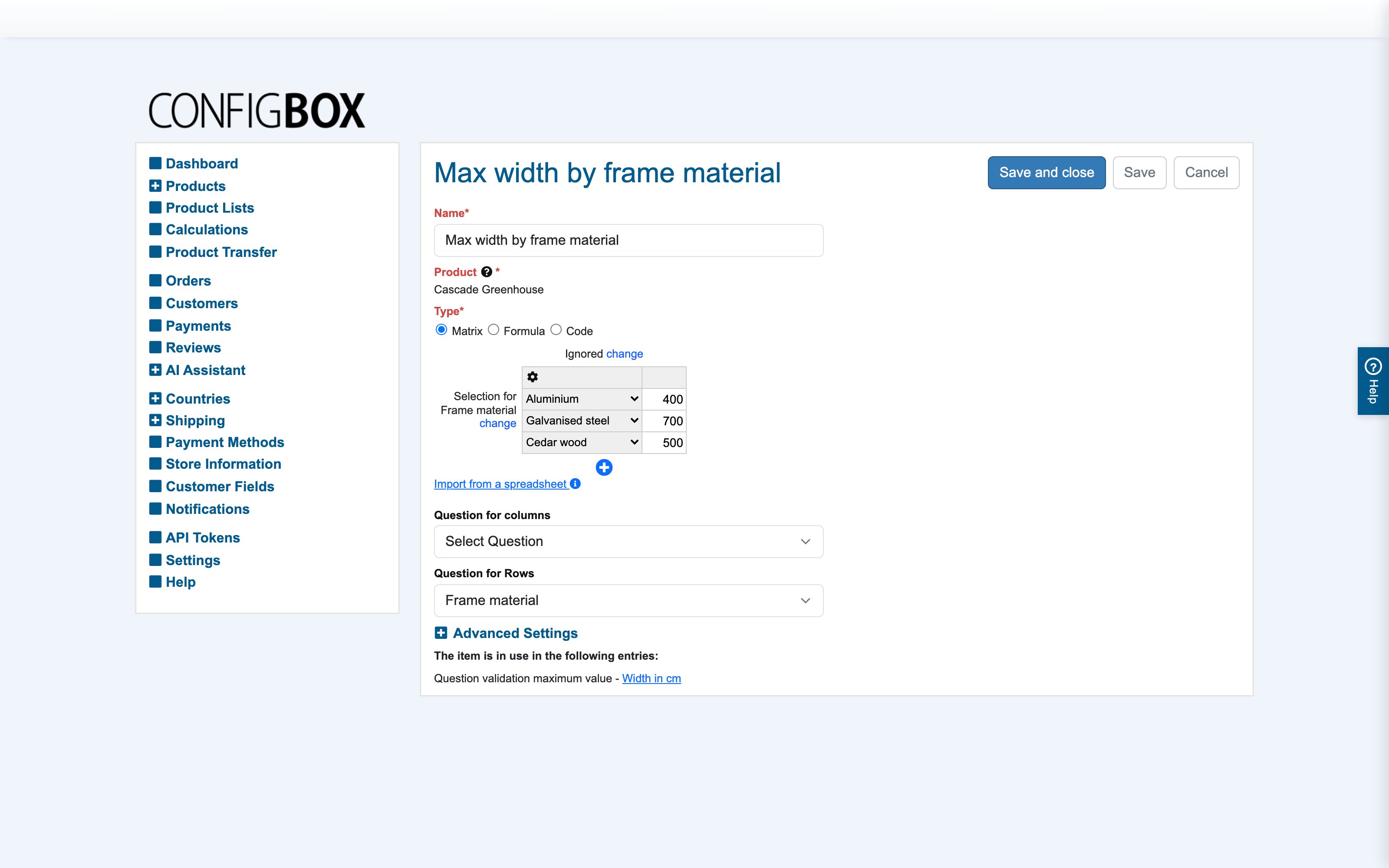
Bracketed price tables — a matrix looks a price up from two inputs (question entries, selections or other calculations), with exact or next-higher/next-lower bracket matching — and you can paste the whole grid from a spreadsheet:
-
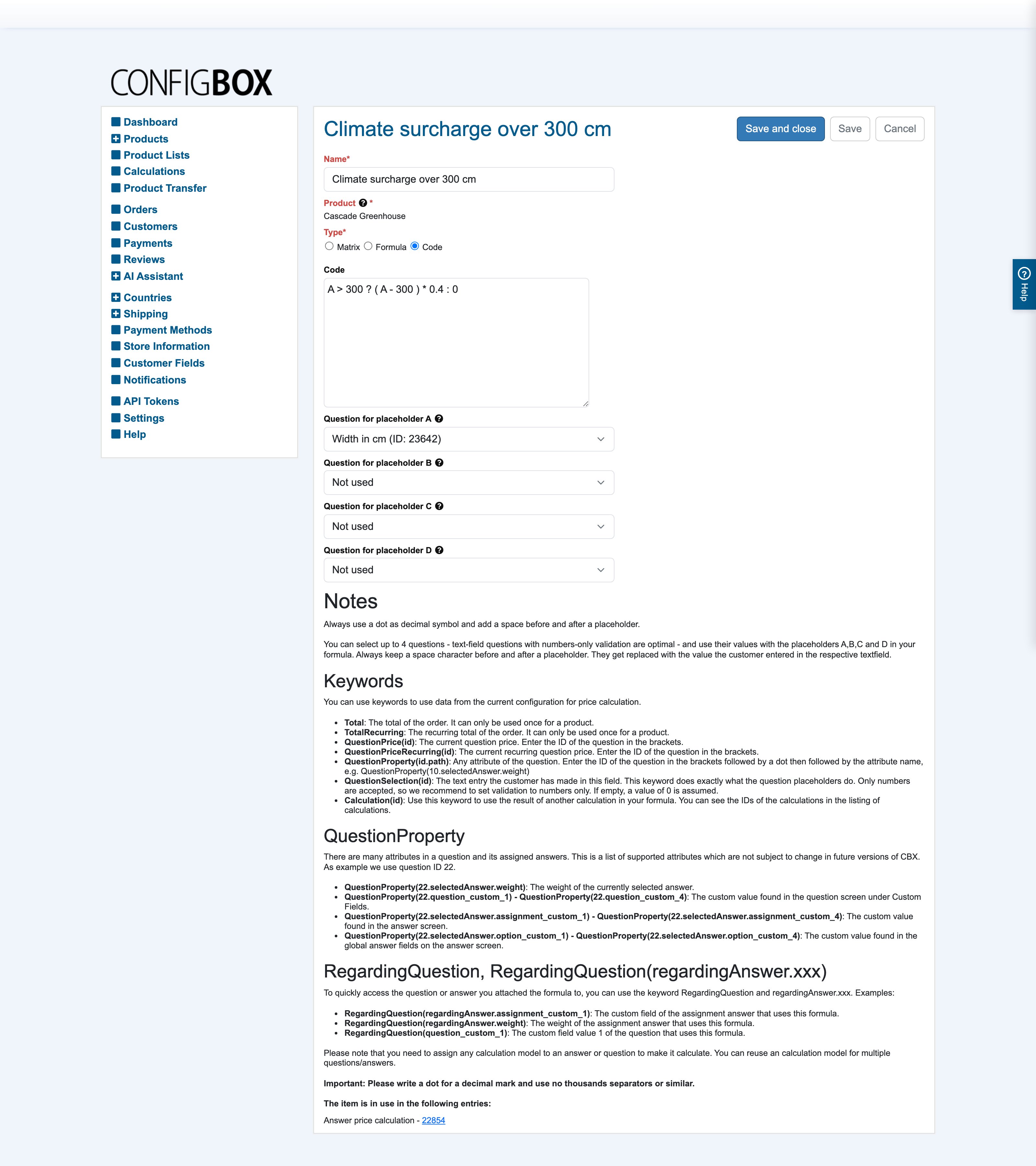
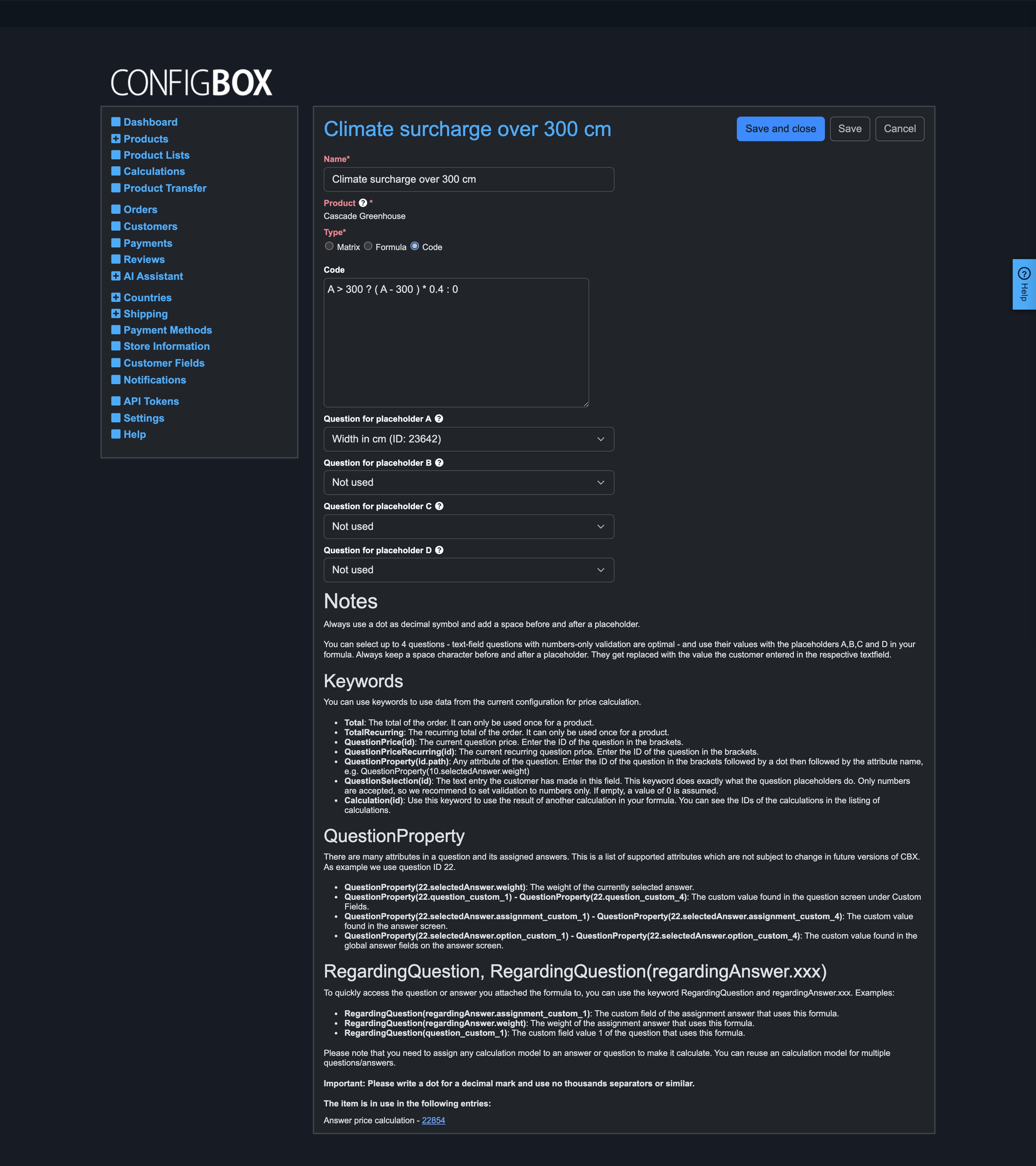
Typed expressions — the Code style for when logic beats dragging: conditions, thresholds, and the results of other calculations in one line (here: 5% off the glazing price for builds from 4 m width):
-
Plus quantity effects, per-customer-group math, recurring prices and weight-driven shipping — each covered in its article below.
Articles
- Where prices come from — the pricing building blocks and how they add up; read this before creating any calculation.
- Build a calculation — the Formula editor, plus when to use the Code and Matrix styles instead.
- Price with a matrix — the lookup table in depth: axes, brackets, spreadsheet import and multipliers.
- Write a code expression — the typed style: placeholders A–D, the full keyword reference and worked examples.
- Charge recurring (subscription) prices — bill an answer or the product on a repeating cycle alongside the one-off price.
- Set product weight for shipping — the per-answer and product weight that weight-based shipping prices delivery from.
The three calculation styles
Created under Calculations (each belongs to one product):
| Style | You author | Best for |
|---|---|---|
| Formula | drag-and-drop terms: numbers, question entries, other calculations, functions | readable arithmetic — most pricing |
| Code | a typed expression with placeholders and macros | quick math, totals-based surcharges |
| Matrix | a 2-D lookup table (importable from Excel) | "price depends on two inputs" tables |
All three produce a number from the current selections. You author in the base currency and ignore tax — currency conversion, customer-group overrides and tax are applied automatically on top of the result.