Rule recipes
- Version
- 4.0 preview
- Updated
Audience: store admins · Scope: common rule patterns, ready to adapt · Last reviewed: 2026-07-20
What this does — A cookbook. Each recipe names the situation, the rule to build, and the companion settings that make it feel right. Build them in the rule editor; the wording matches its labels.
1. The dependent question
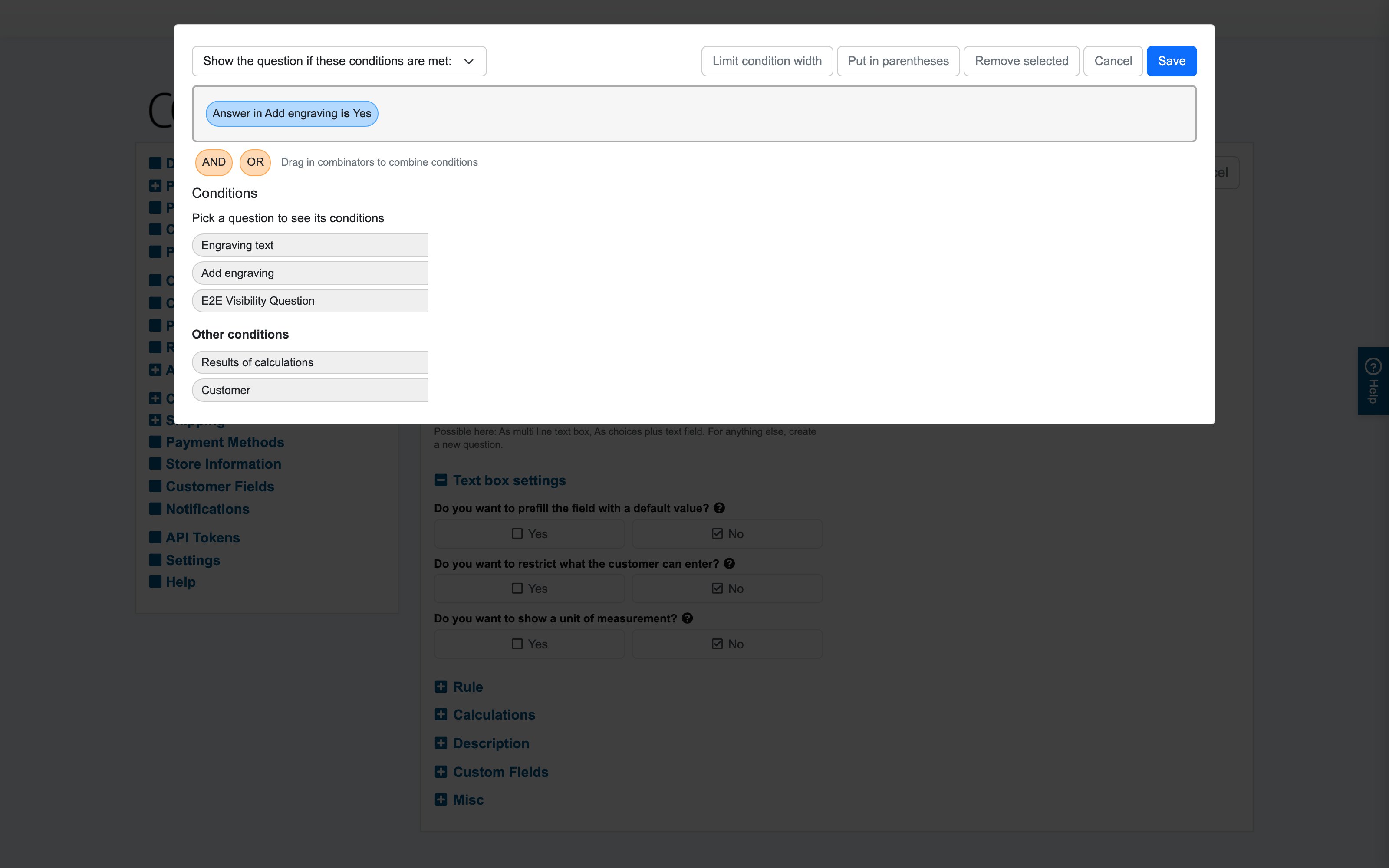
"Engraving text" should only appear when engraving was chosen.
- On the Engraving text question: Show if — Answer in "Add engraving" is "Yes".
- Companion: Display while disabled = hide (no point greying out a text box), and on the engraving question itself nothing else to do.
2. Thin out choices that don't fit
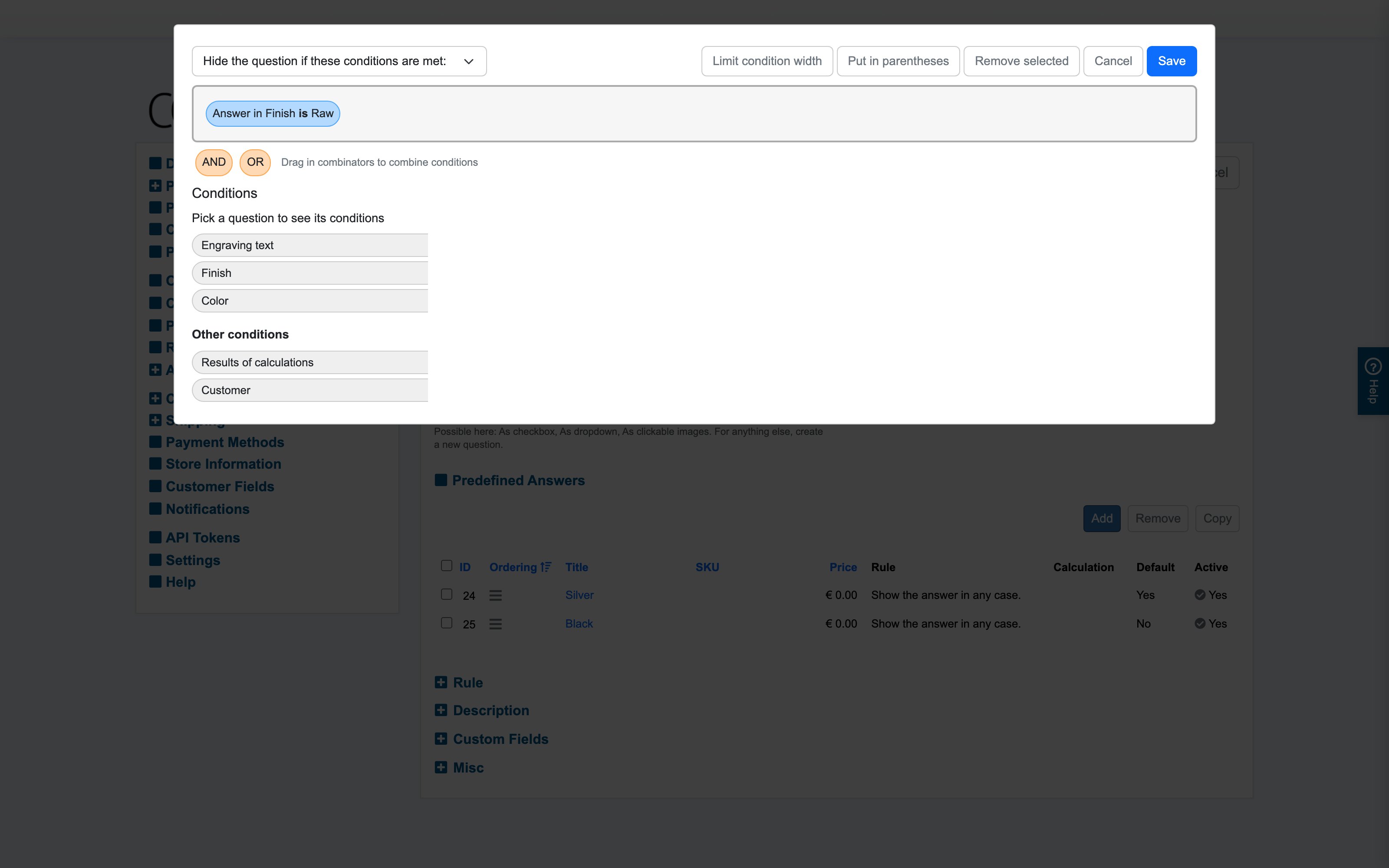
Raw finish has no color choice; glossy and matte do.
- On the Color question: Hide if — Answer in "Finish" is "Raw".
- Companion: Behavior on inconsistency = deselect, Behavior on changes = confirm — a customer switching to Raw after picking a color is asked before the color resets.
3. The either/or bundle
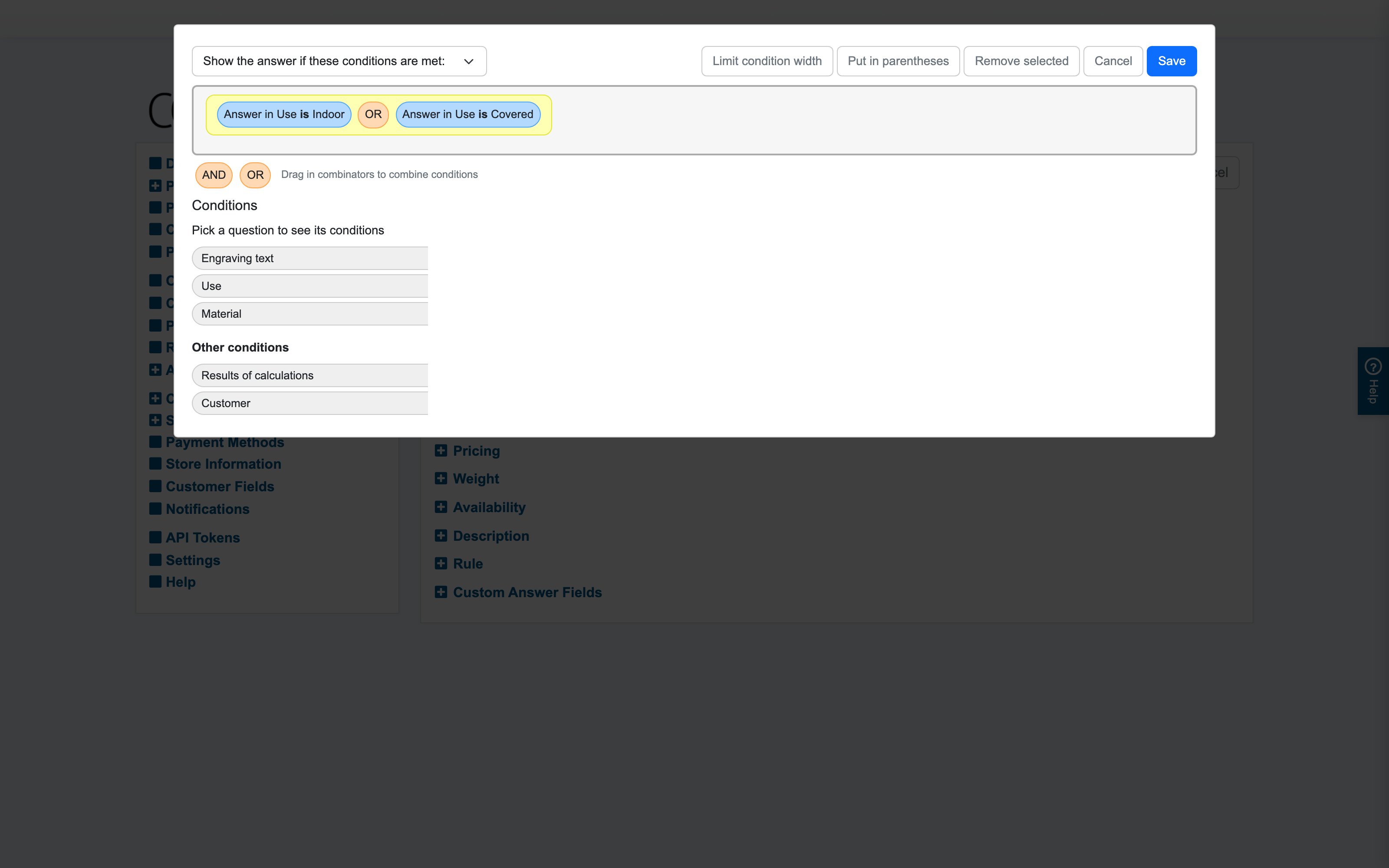
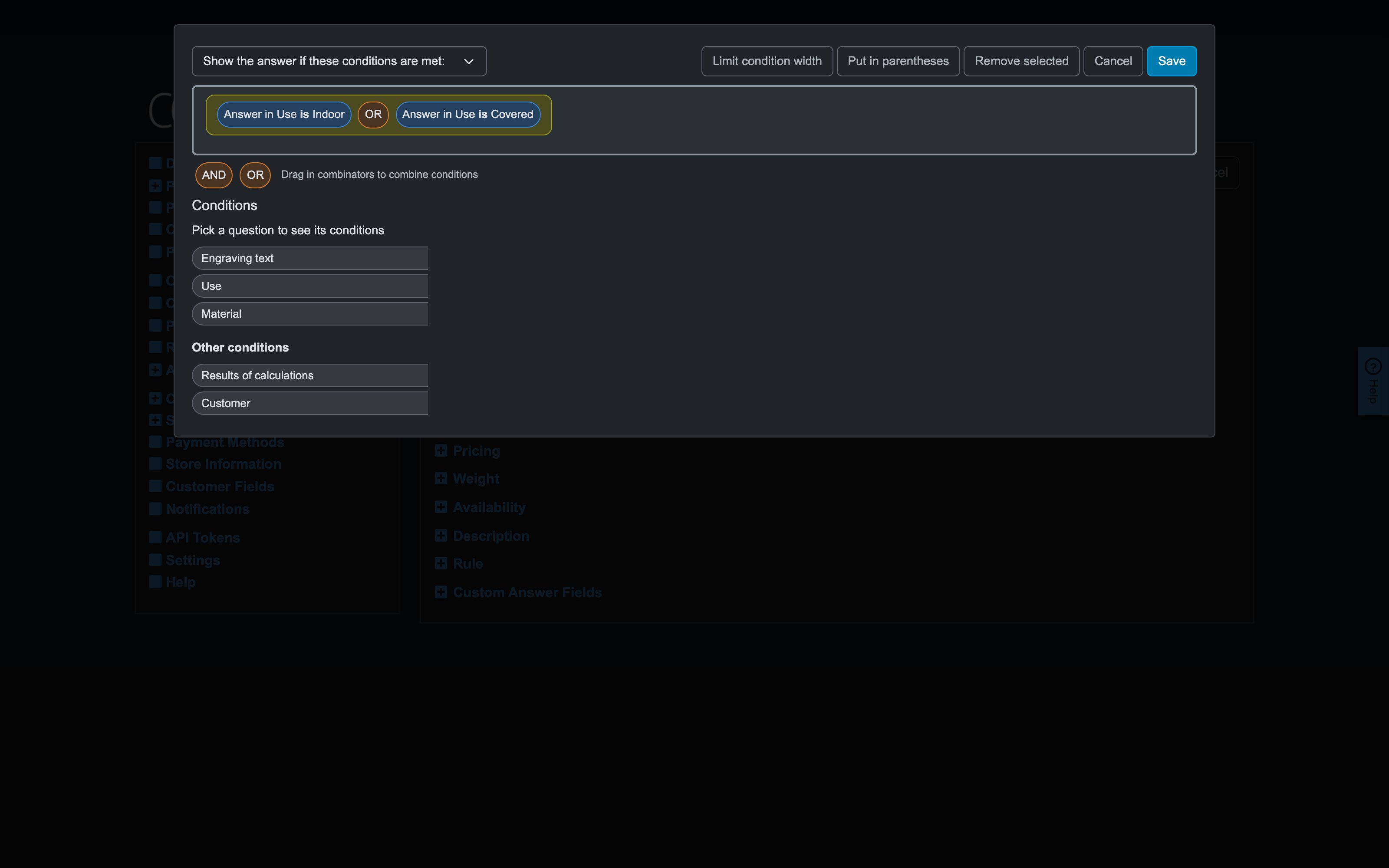
Steel is only available for indoor or covered use.
- On the Steel answer: Show if — (Answer in "Use" is "Indoor" OR Answer in "Use" is "Covered").
- Multiple such answers? Put the rule on each steel-dependent answer, or reconsider the page order so "Use" is asked first.
4. Upsell visibility (grey-out marketing)
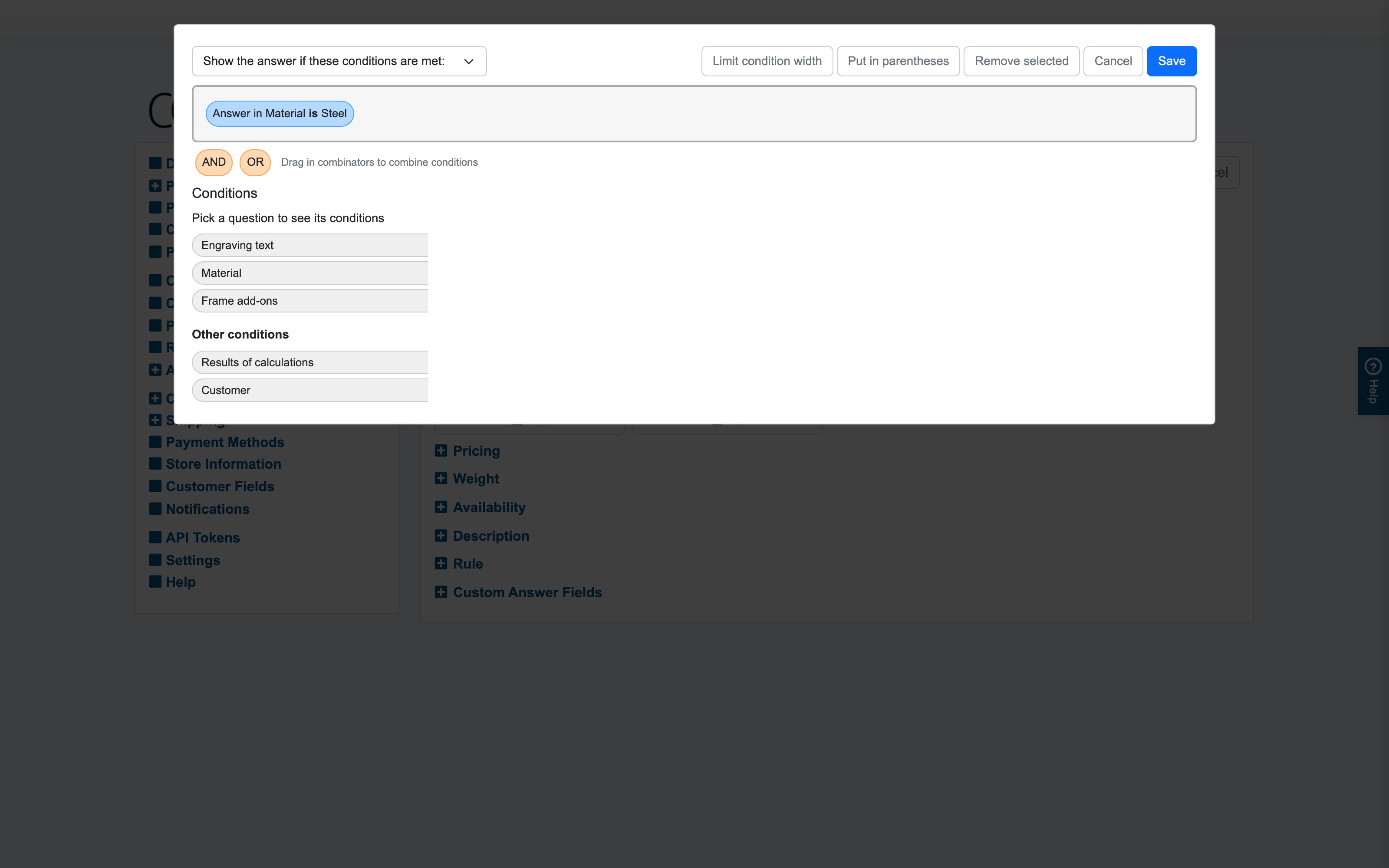
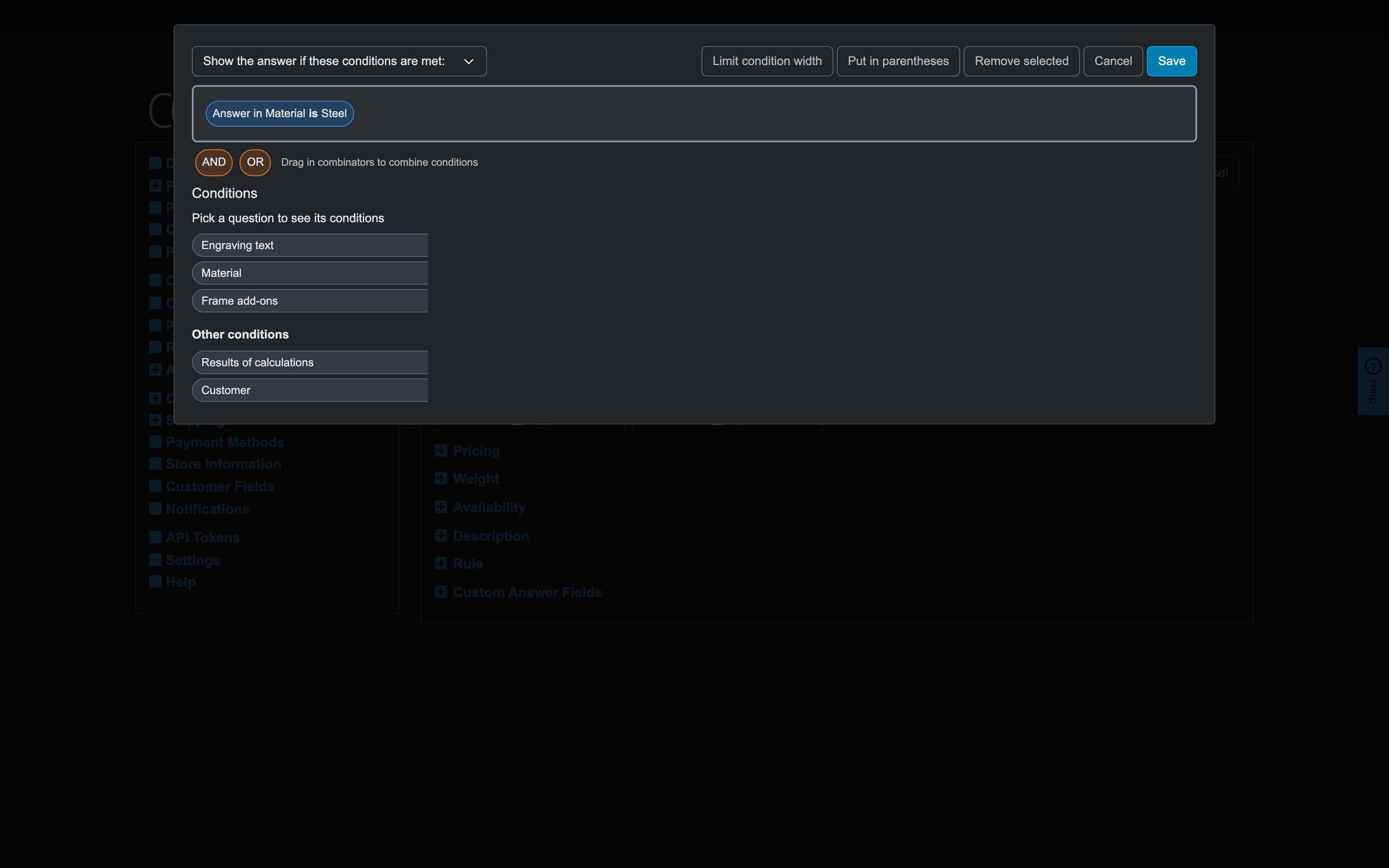
Show the premium option to everyone, selectable only where it applies.
- On the premium answer: Show if — its availability condition.
- Companion: Display while disabled = grey out — customers see what a different choice would unlock ("Reinforced frame — pick Steel to enable").
5. Trade-only options
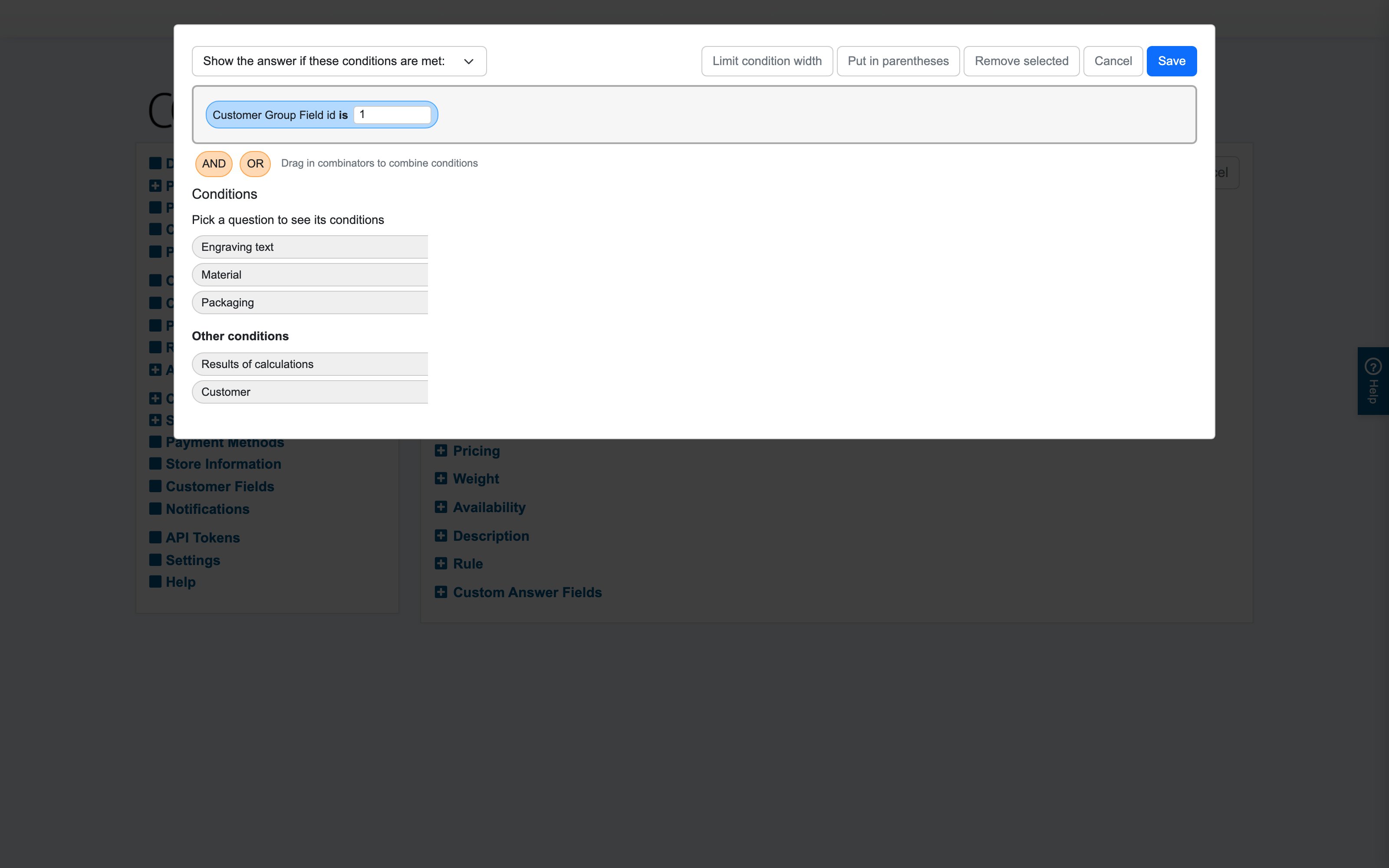
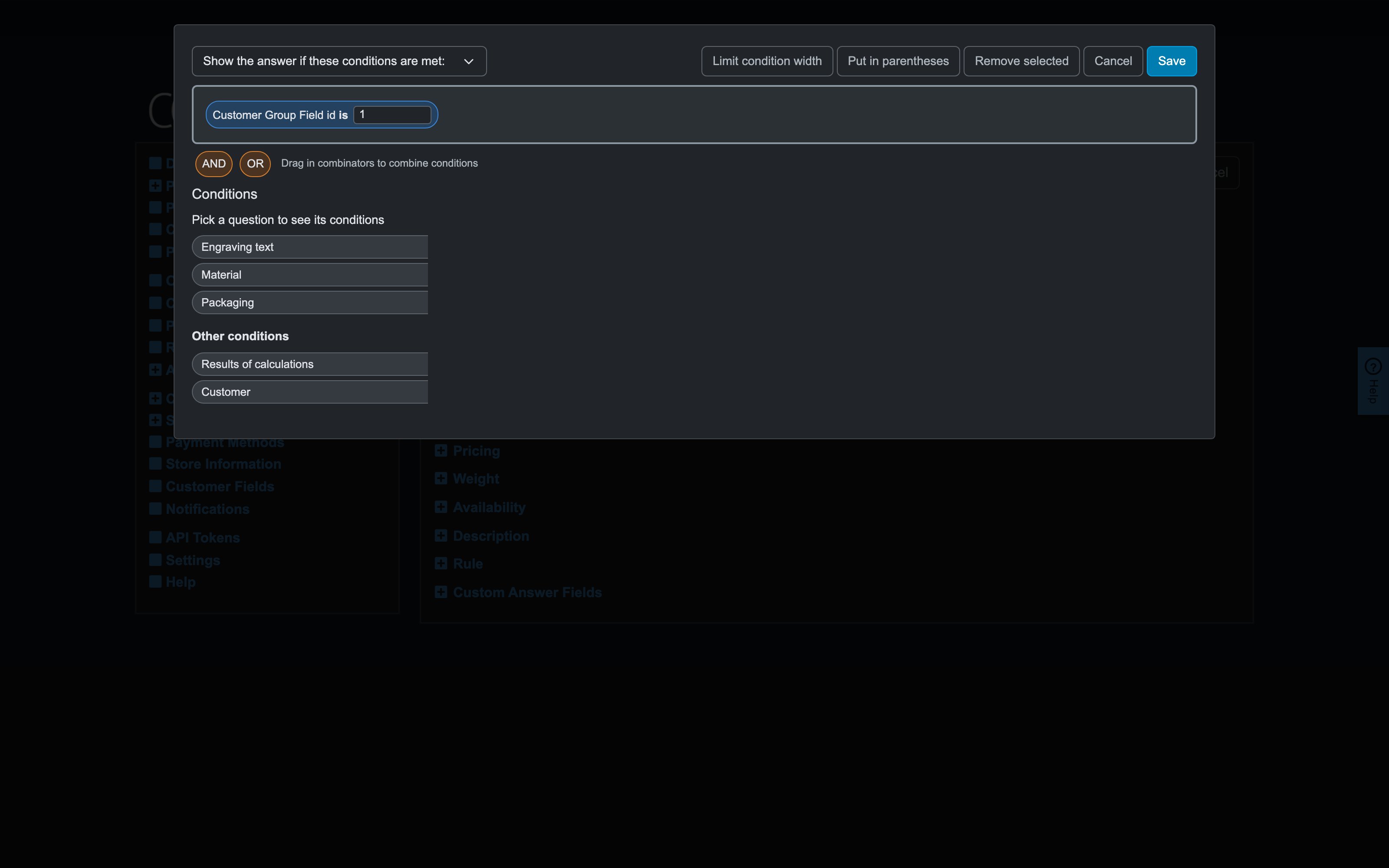
Only trade customers may pick bulk packaging.
- On the Bulk packaging answer: Show if — Customer group field … is … (the Customer tab), matching your trade group's field.
- Pair with customer-group permissions for the bigger buy-vs-quote split; use rules for option-level differences.
6. React to size, weight or total (via a calculation)
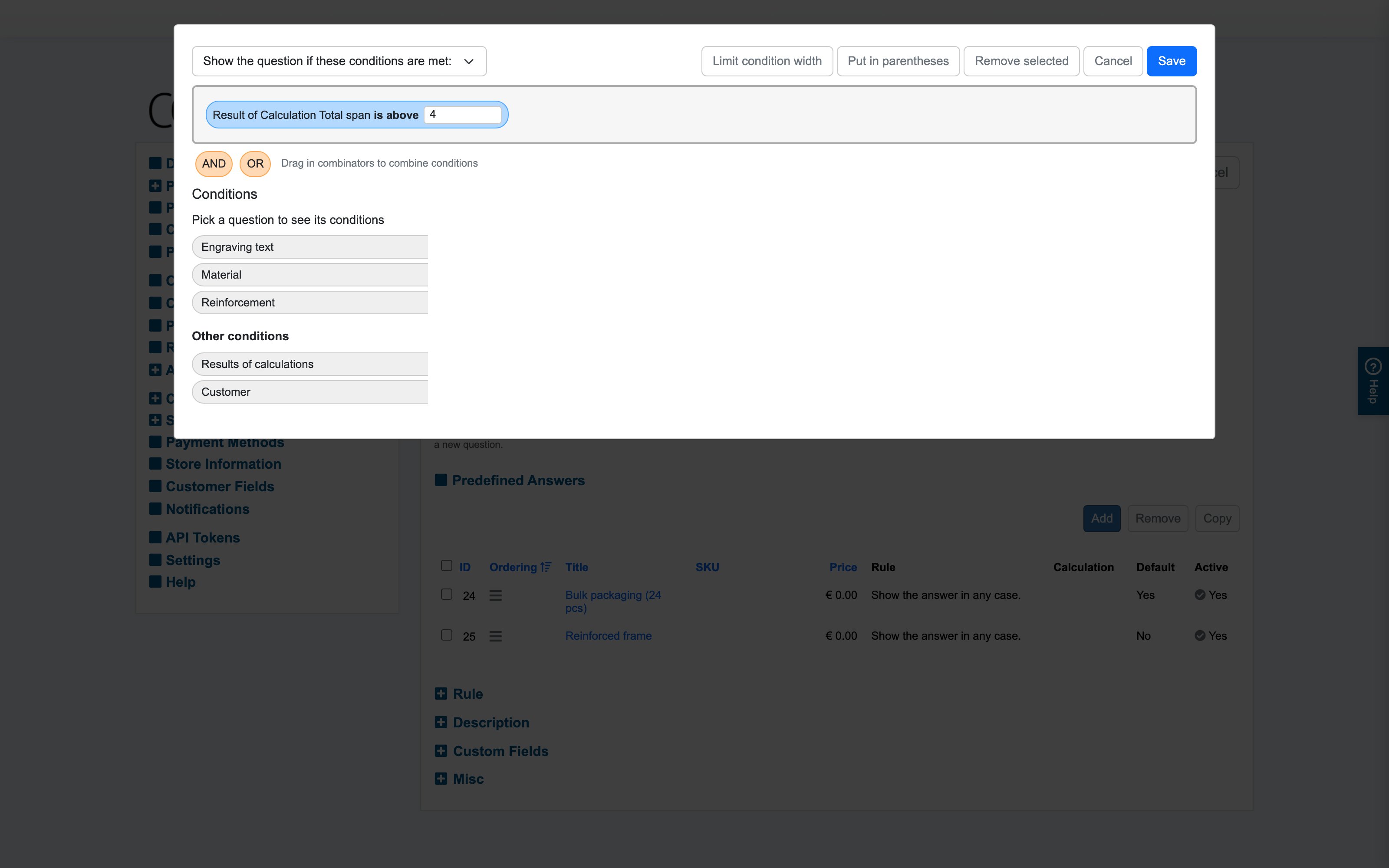
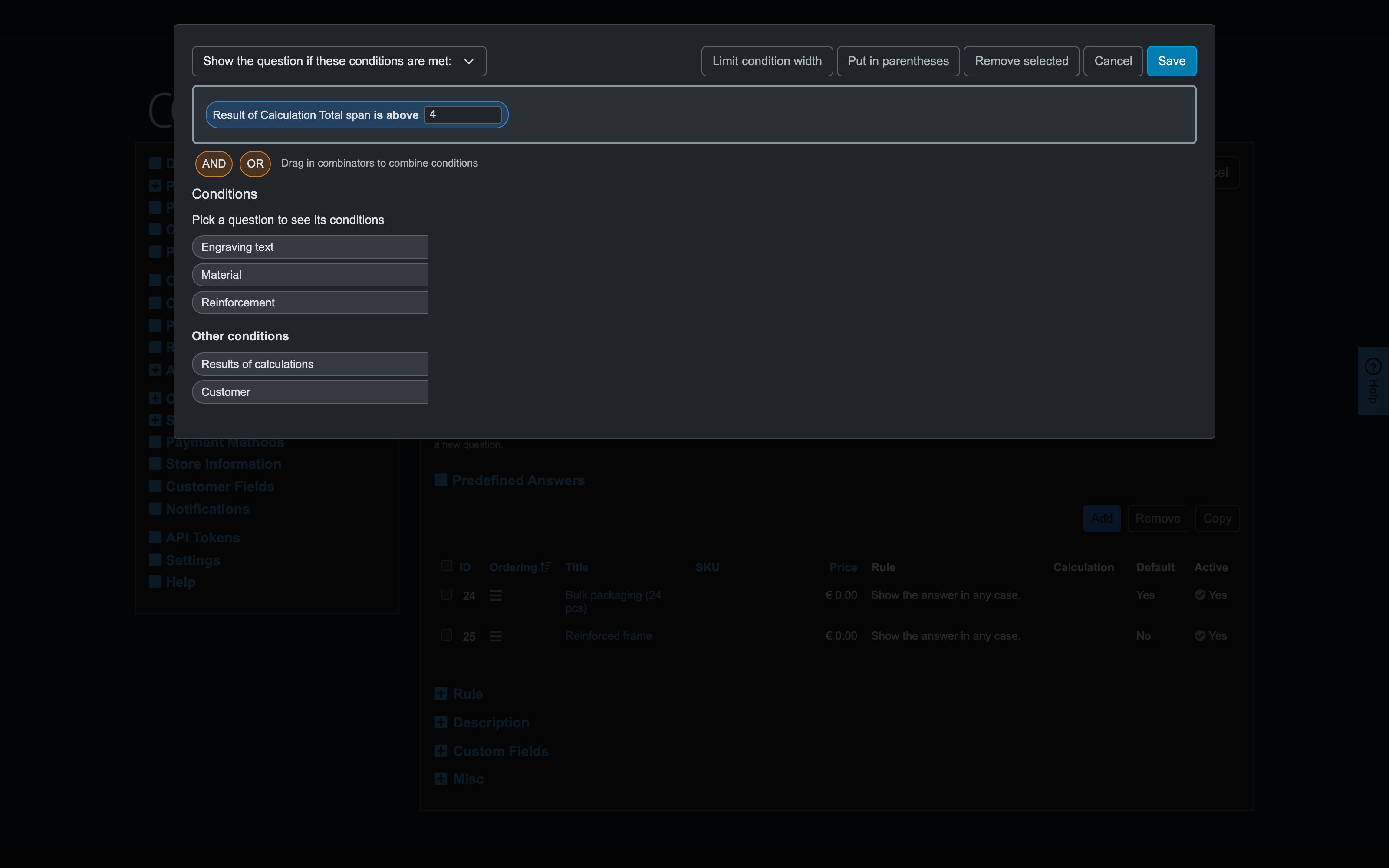
Spans above 4 m need reinforcement.
- Build a calculation "Total span" (how).
- On the Reinforcement question: Show if — Result of "Total span" is above "4" (the Results of calculations tab).
- Companion: Behavior on activation = select default, so the reinforcement question never sits unanswered when it appears mid-configuration.
7. Progressive disclosure for long configurators
Keep page 3 clean until the choices that matter are made.
- Give page-3 questions Show-if rules on the key earlier answers; combined with Block continuing if selections are missing (Settings/product), customers meet a short, relevant page instead of twenty greyed inputs.
Working habits that pay off
- Say the sentence first ("show X if Y is Z"), then build it — if the sentence needs "unless", you probably want Hide-if or parentheses.
- Put the deciding questions early (page order), so rules cascade forward, not backward.
- Copy/paste rules between similar answers, then adjust the value — faster and less error-prone than rebuilding.
- Walk the toggle paths on the storefront after each batch of rules: flip the deciding answer back and forth and watch what appears, disappears, resets or prompts.