Control what happens on change
- Version
- 4.0 preview
- Updated
Audience: store admins · Scope: the behavior fields that accompany a rule · Last reviewed: 2026-07-20
What this does — A rule only decides does this apply right now. The fields described here decide what the configurator does about it — so choices cascade smoothly instead of leaving customers with hidden-but-selected or suddenly-invalid answers.
The settings, and when they matter
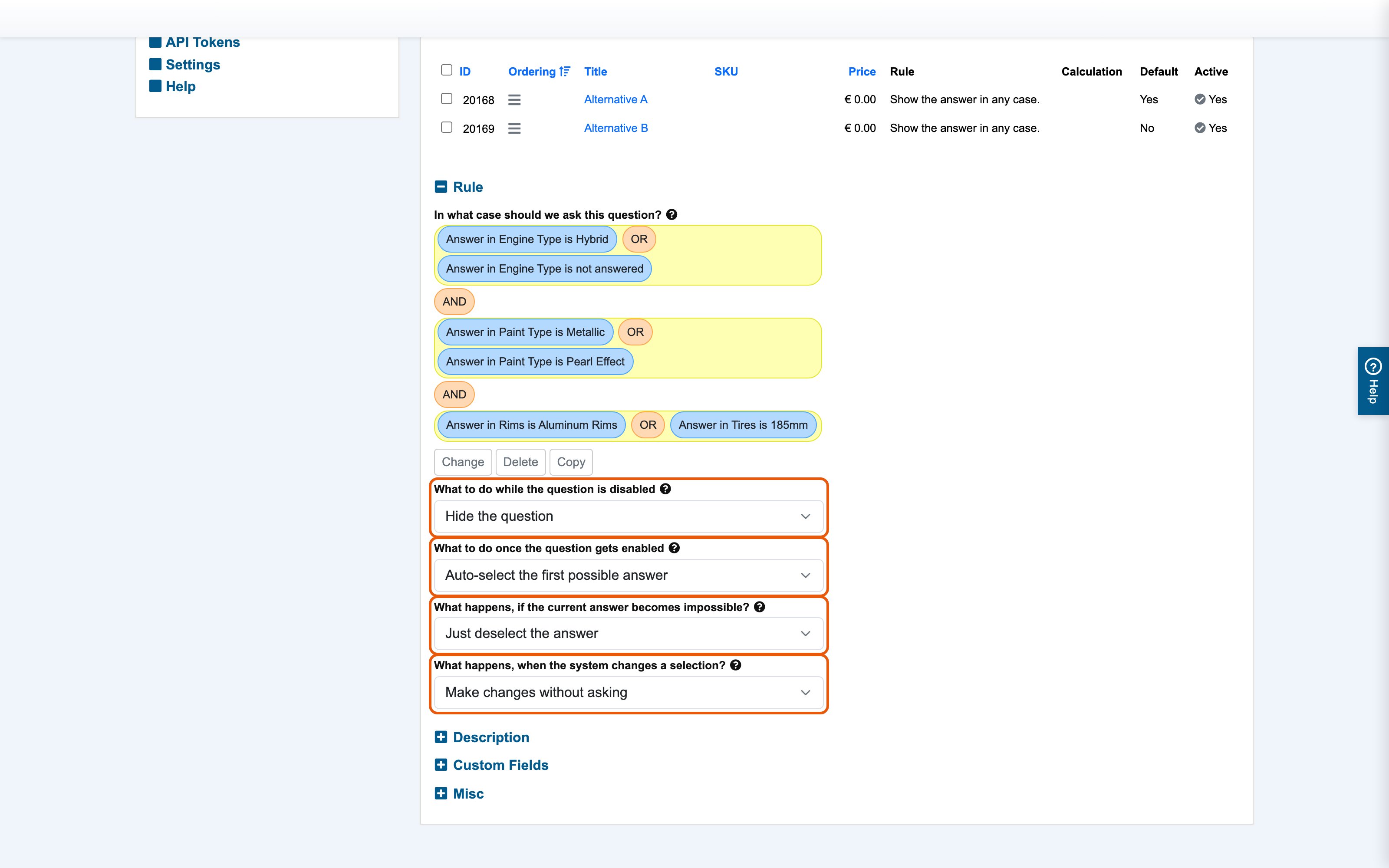
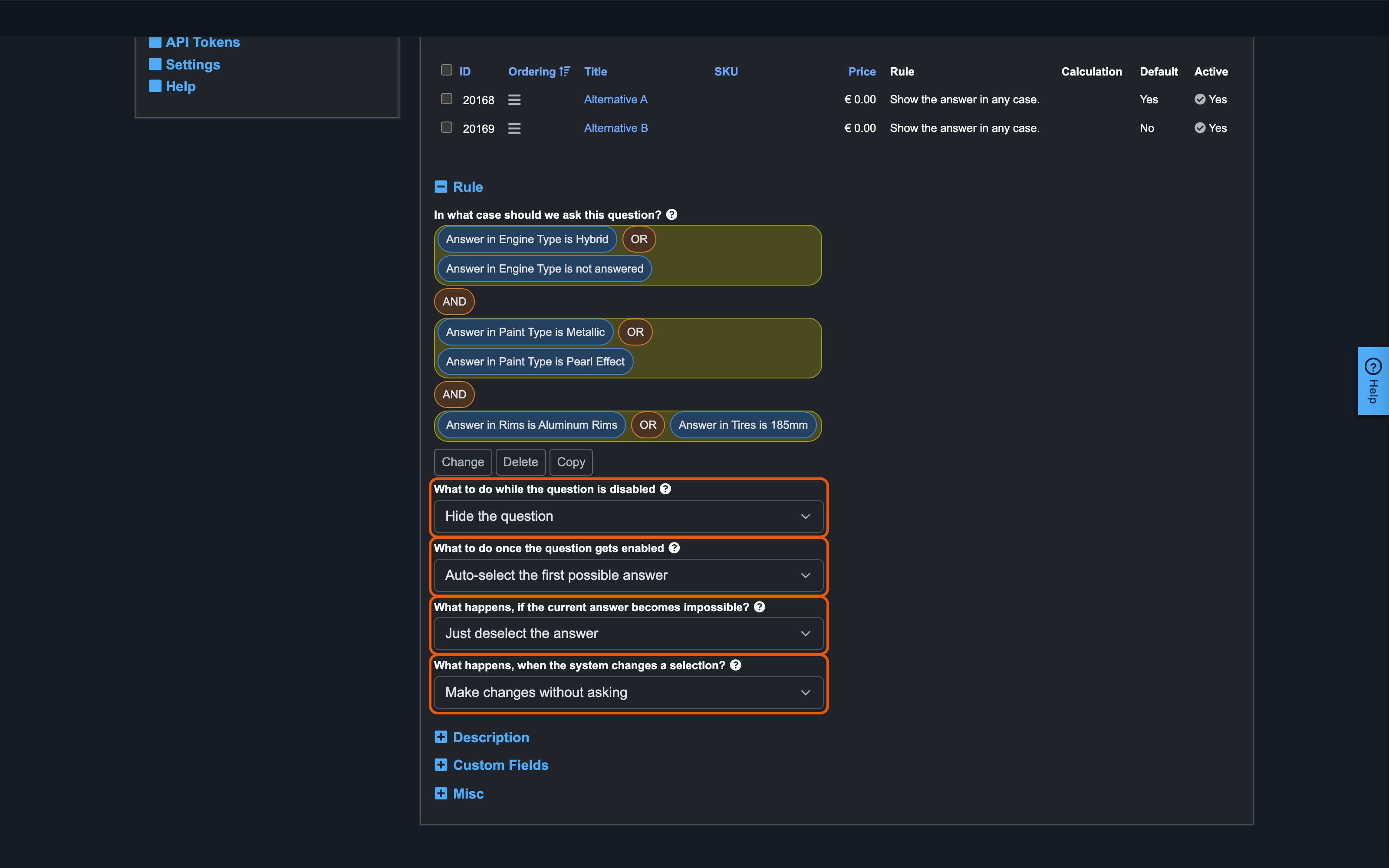
All of these sit on the question form (the first also on answers), near the Rule section:
- What to do while the question is disabled ("display while disabled") — when the rule is not met: hide the question/answer entirely, or show it greyed-out (visible, not selectable). Grey-out is good merchandising for options a customer could unlock with a different choice ("Reinforced frame — available with Steel"); hiding keeps the configurator short.
- What to do once the question gets enabled ("behavior on activation") — when a question becomes applicable mid-configuration (a rule just started matching): leave it empty, or auto-select its default answer so the configuration is never incomplete at that moment.
- What happens if the current answer becomes impossible ("behavior on inconsistency") — when the customer's current answer becomes invalid (its answer-rule stopped matching): deselect it, or replace it with the default/another valid answer. This is what prevents impossible combinations from surviving in the cart.
- What happens when the system changes a selection ("behavior on changes") — whether such automatic corrections happen silently or the customer is asked to confirm first. Ask when a correction may surprise ("changing the material resets your color"); stay silent for obvious cascades.
A worked example
Question "Color" is hidden while "Finish" is "Raw" (a hide-if rule). The customer picks Raw after already choosing a color:
- The Color question's rule stops applying → it hides (or greys out, per Display while disabled).
- Its existing selection is now inconsistent → per Behavior on inconsistency it's deselected, so the color's price disappears from the summary.
- Because Behavior on changes is set to confirm, the customer sees a prompt first and can back out of switching to Raw instead.
Good to know
- Defaults are the safety net: give every choice question a sensible Default answer so auto-activation and auto-replacement always have something valid to fall back on.
- Test the flows on the storefront after wiring rules: click through the paths that toggle your rules and watch what appears, disappears and resets. Five minutes of clicking catches nearly everything.
- Prices always follow the actual current selections — a deselected answer's price leaves the summary immediately; there is nothing extra to configure for that.