Moderate reviews
- Version
- 4.0 preview
- Updated
Audience: store admins · Scope: the Reviews screen · Last reviewed: 2026-07-20
What this does — Customer reviews go through you before the world sees them: new submissions arrive unpublished, and nothing shows on the storefront until you activate it.
Before you start
- Reviews must be enabled: Settings → Reviews → Reviews for Products, and the product's own Enable Reviews switch. Set the review notification email address there too, so new submissions alert you instead of waiting to be discovered.
Steps
-
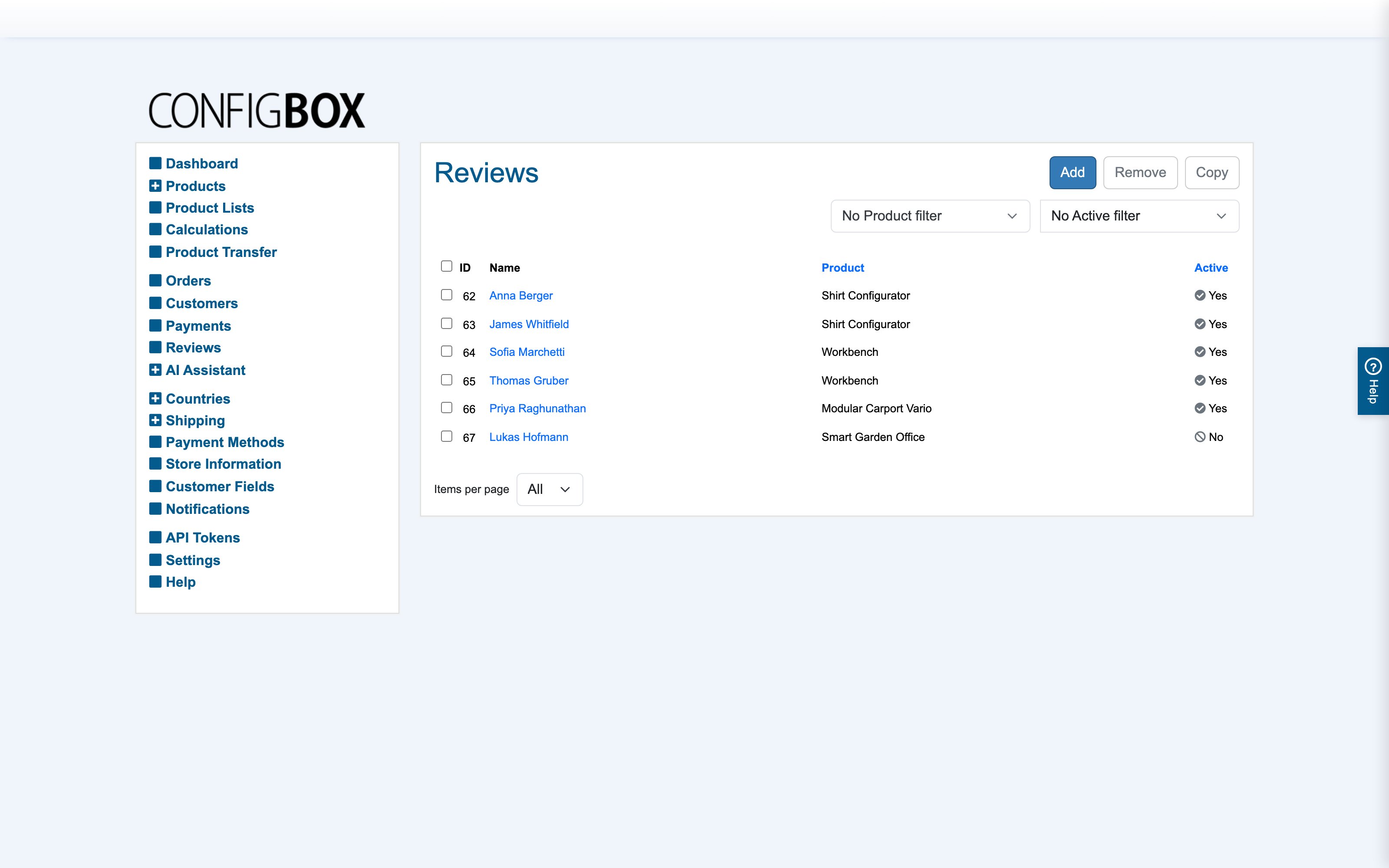
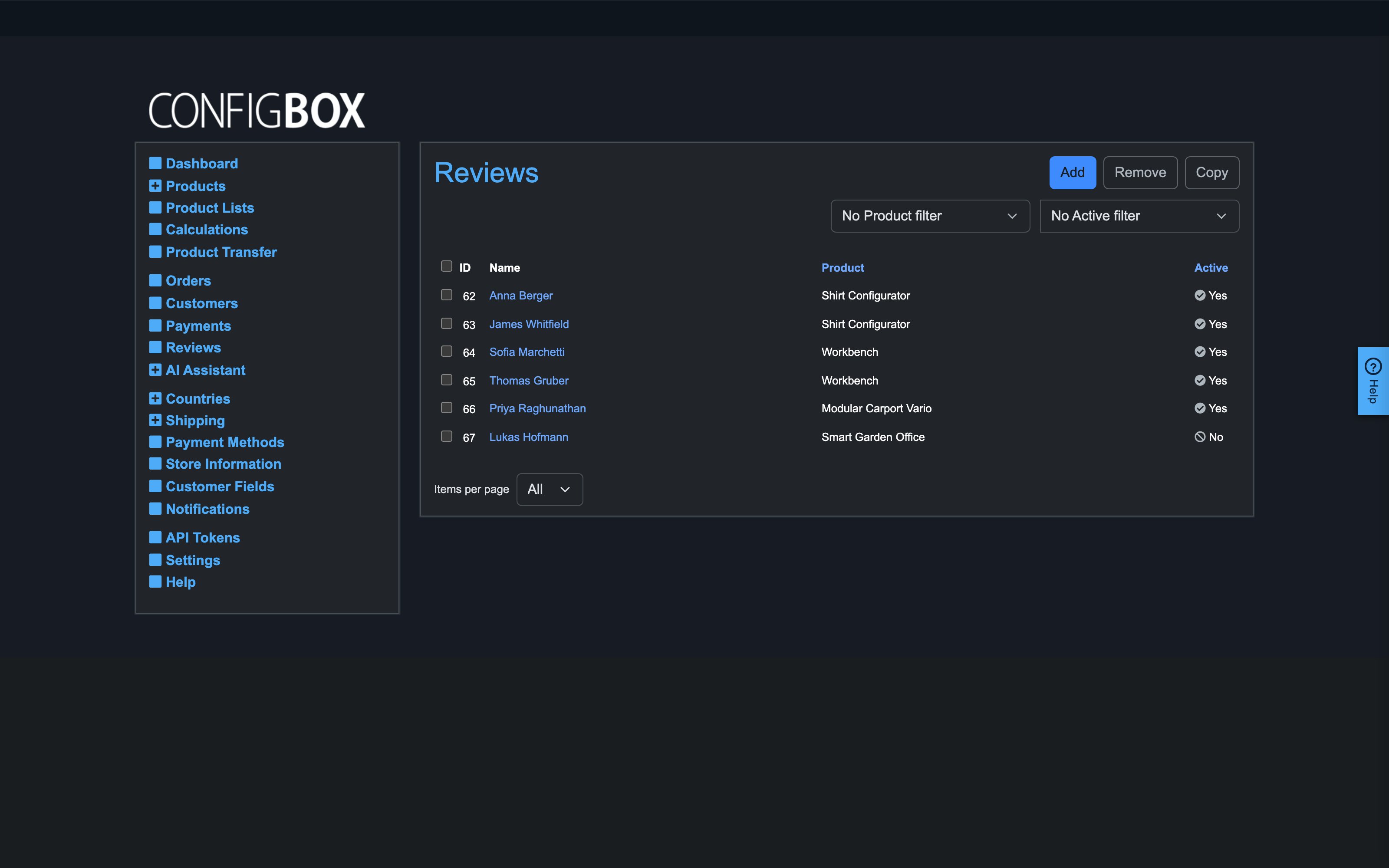
Go to Reviews:
-
Unpublished rows are the queue. Open one to read the name, star rating, comment, product and language.
-
Then either:
- Approve — set it Active (from the form, or the check in the list row). It appears on the product immediately and counts into the star average.
- Edit first — trim personal data or fix formatting, then activate. Keep edits light; a review is the customer's voice.
- Remove — delete spam or abuse.
What happens next
Active reviews show on the product's detail page (per language) with their stars; the aggregate rating appears on listing tiles. Deactivating a review later removes it from the storefront but keeps it in the list.
Good to know
- Reviews are per language — a review shows to storefront visitors browsing its language.
- Currently any visitor can submit a review — purchase-verified reviewing is a known product gap, so moderation here is your quality gate; check the reviewer name against customers/orders when authenticity matters.
- No reviews showing at all despite active ones? Check the two enable switches (global and per-product) before suspecting the reviews themselves.