Work the wishlist
- Version
- 3.x
- Updated
Audience: store owners, content managers, and whoever talks to the software vendor · Scope: what wishlist items are, who each category is for, and how to act on them · Last reviewed: 2026-08-11
Whenever a conversation exposes something the assistant could not do or answer — or something it noticed was wrong — it files a wishlist item, invisibly to the visitor. Each item carries a category that routes it to the people who can fix it, the assistant's description of the gap, and, when a visitor request triggered it, that request in the visitor's own words.
Items appear in each conversation's timeline (collapsed to category and title — expand for the full story) and are counted in the journal's wish and unfulfilled chips.
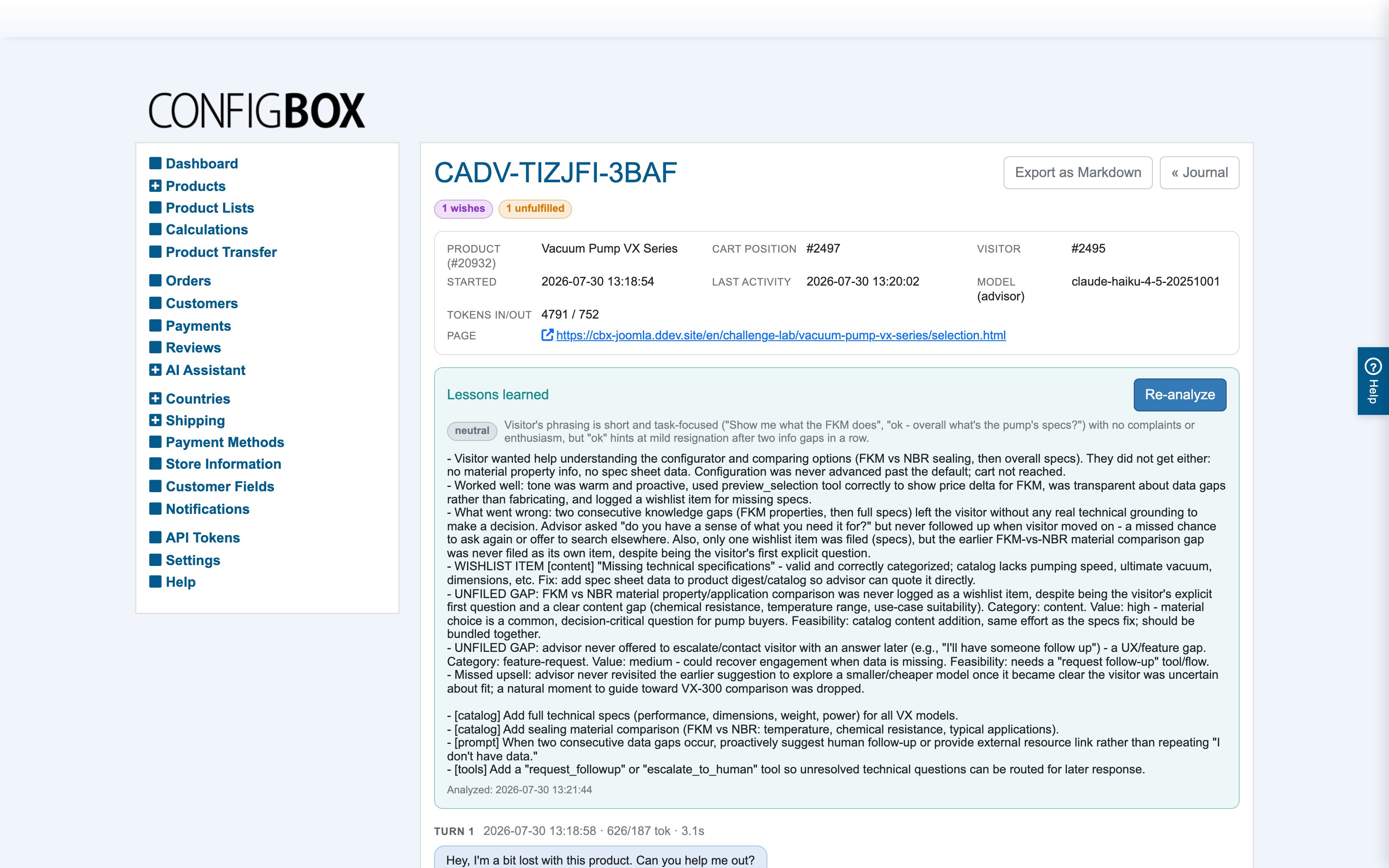
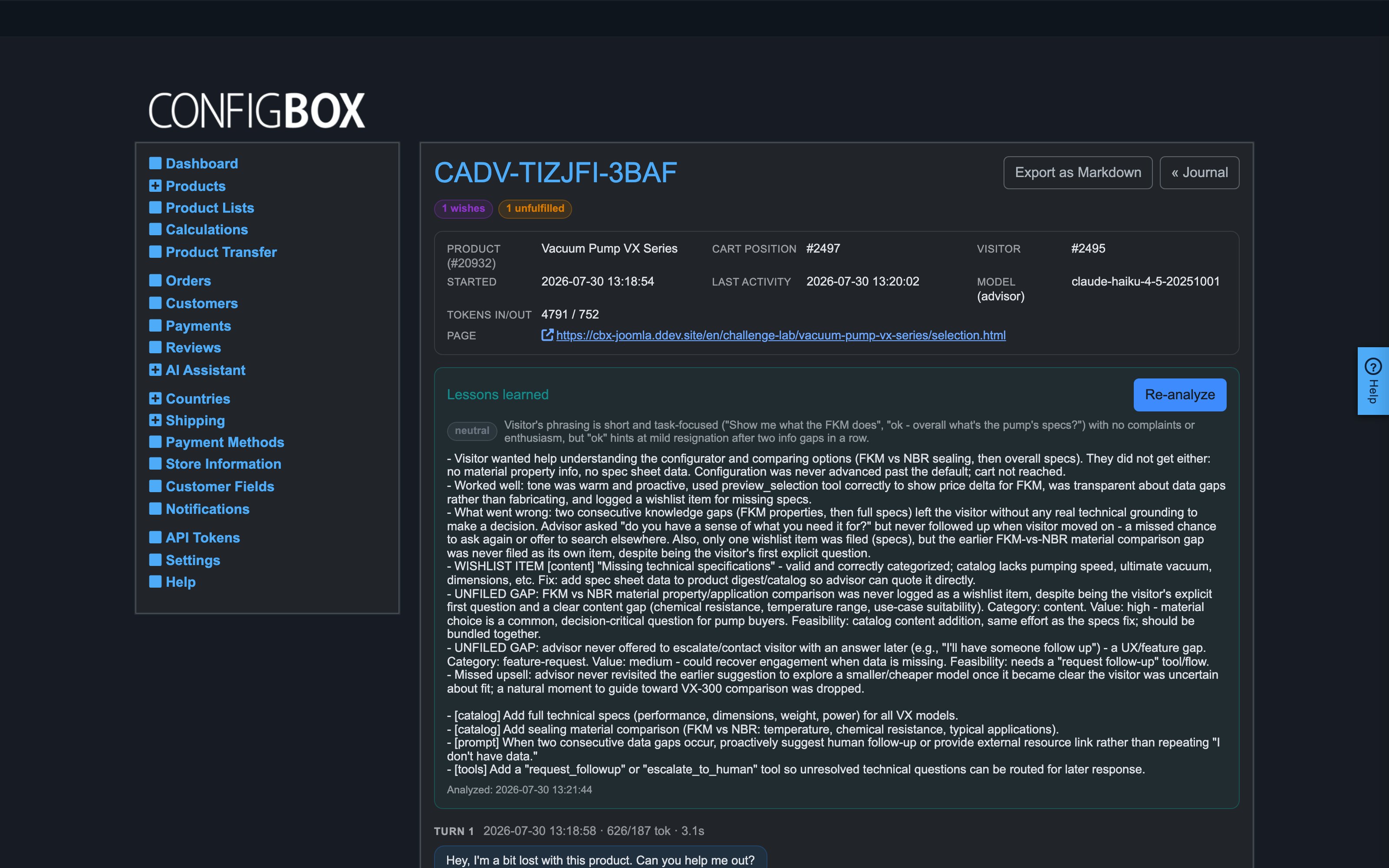
The review above the timeline is where the gaps read best: it names the wishlist item that was filed, and — as here — the ones the assistant should have filed and did not.
The categories and who they are for
| Category | It means | Who acts on it |
|---|---|---|
| content | A visitor wanted product information your data does not cover — specifications, dimensions, delivery, stock, comparisons. | Content managers: add it to the product's detail panes or descriptions, and the assistant knows it from then on. |
| feature-request | A legitimate action the assistant had no way to do, or an ability that would have served the visitor better. | The software vendor — this is direct field evidence for what to build next. |
| bug-report | Something behaved wrongly: a price that does not add up, a selection that will not stick for no visible reason, contradictory data. | Developers / the vendor. |
| translation | Wording missing or wrong in the visitor's language. | Content managers / translators. |
| ux-friction | The visitor was confused or misled by how the configurator presents things. | Whoever owns the storefront. |
| other | Anything else worth passing on. | Triage. |
How to work them
- Content items are the quick wins. Each one names exactly what information was missing for which product. Put the answer into a detail pane and the gap is closed — the assistant reads panes as product knowledge.
- Unfulfilled items deserve priority — the "unfulfilled" chip means a real visitor asked and left without. That is demand, measured for free.
- Feature requests and bug reports are written to be forwarded: concrete descriptions of the missing ability or the observed misbehavior, with the conversation reference for context.
- For volume, don't read item by item — run the Insights report, which groups wishlist items across conversations, deduplicates common causes and ranks them by effect and effort.
The long-term idea: this diagnostic data is what your installation can eventually share with the vendor, so content gaps, feature demand and field bugs surface across all stores — not just yours.