Read the conversation journal
- Version
- 4.0 preview
- Updated
Audience: store owners, shop managers and whoever improves the store · Scope: the Conversation Journal screens and how to read them · Last reviewed: 2026-08-11
AI Assistant → Conversation Journal lists every conversation visitors had with the assistant. Because it shows visitors' words verbatim, only the platform's highest privilege sees it — on Joomla that is Super Users.
The list
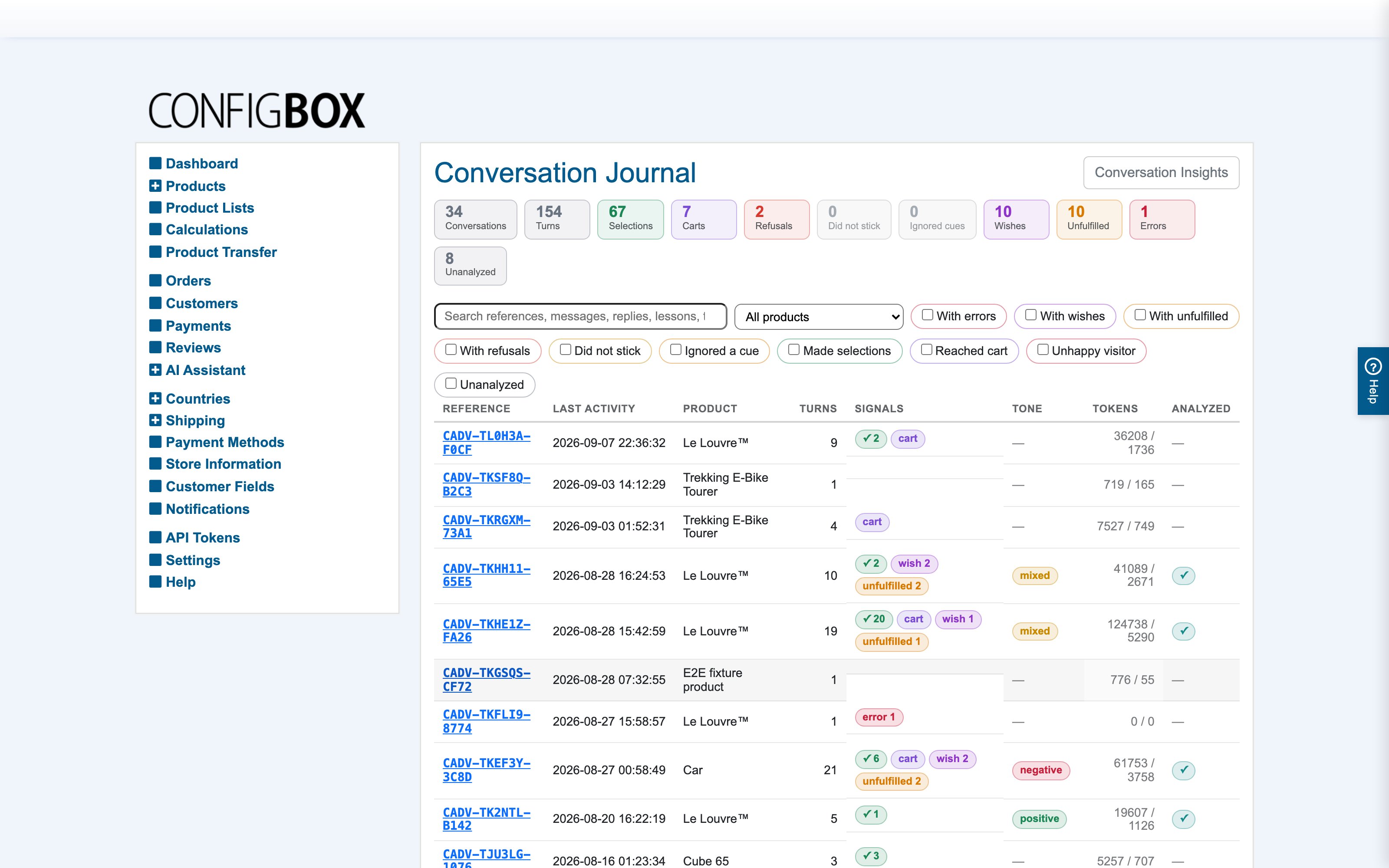
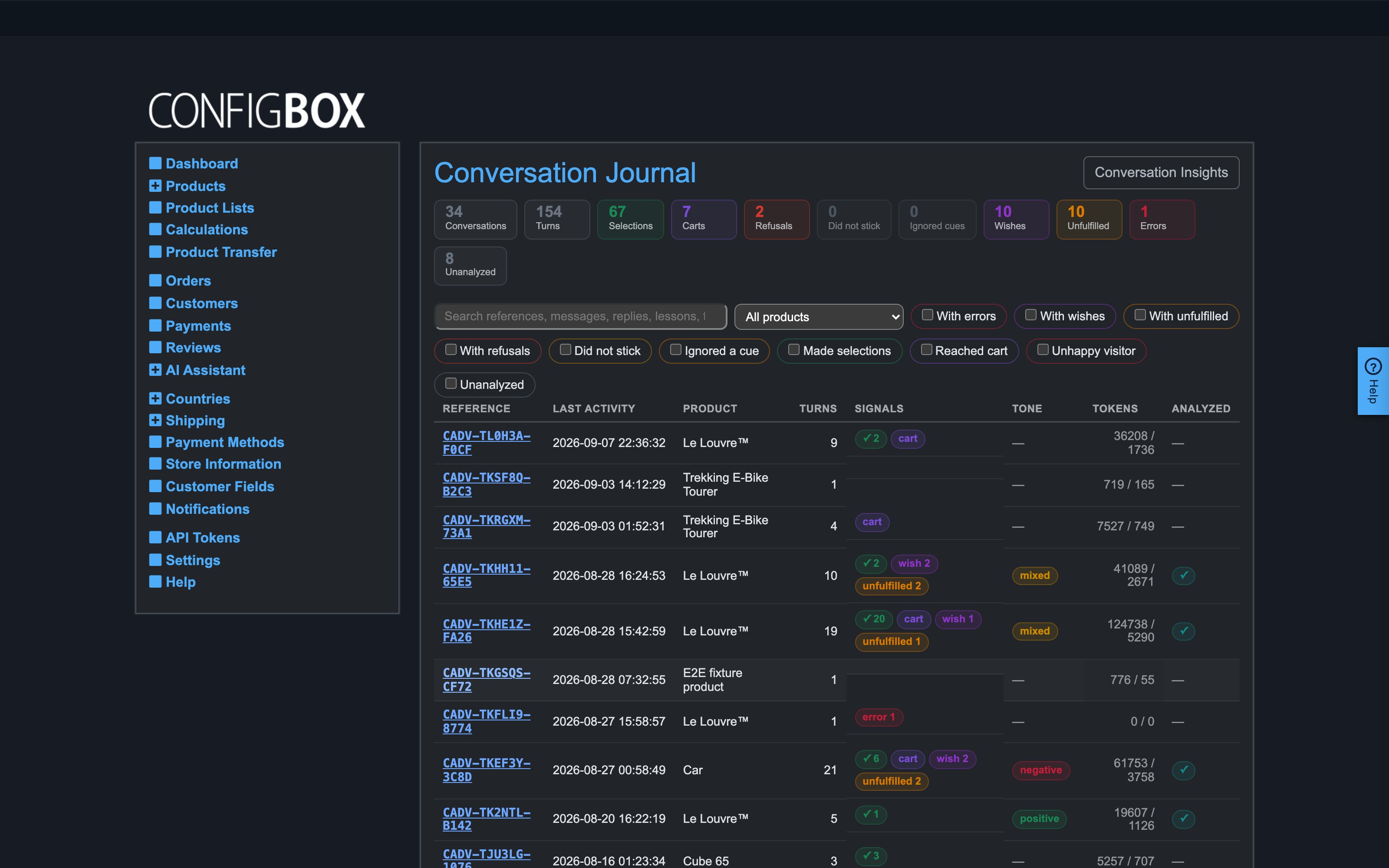
Each conversation is one row with a public reference (like CADV-ABC123) that other reports can point at. The signal chips tell you at a glance what happened:
- Selections — how many configuration changes the assistant made.
- cart — the configuration reached the cart.
- refused — selection attempts the rules rejected.
- wish — items the assistant filed on the wishlist.
- unfulfilled — wishes that a concrete visitor request triggered: someone asked for something in vain. The strongest demand signal in the journal.
- error — turns that failed technically.
- Tone — the visitor's mood as judged from their wording, once the conversation is analyzed.
Filter by any signal, by product, or search the transcripts. The stat cards above the list sum the same signals over everything.
One conversation
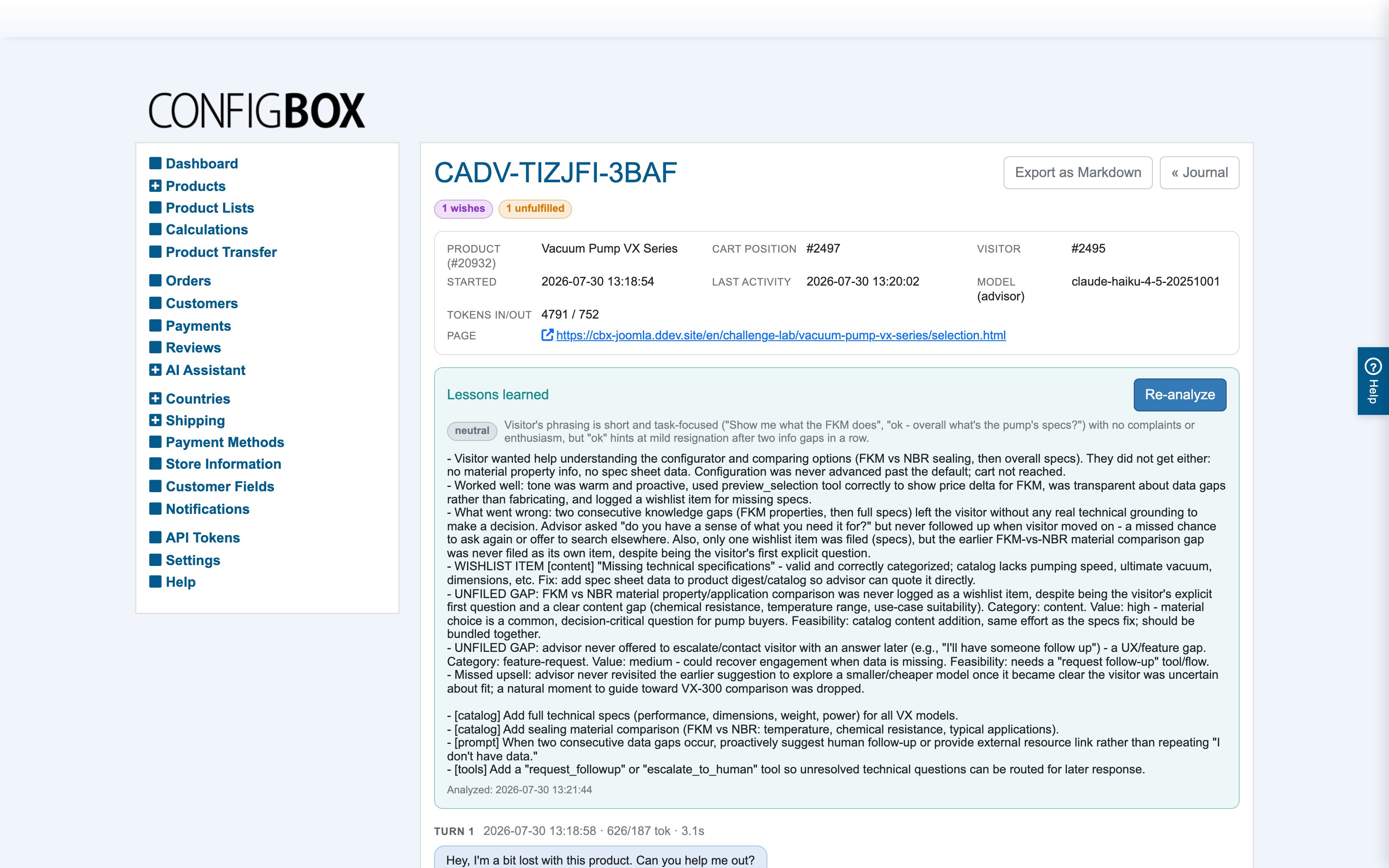
The detail page shows the full timeline, top to bottom, exactly as it happened:
- Bubbles — the visitor's messages and the assistant's replies.
- Reasoning lines — the assistant's own one-sentence rationale before each action. Visitors never see these; they exist for you.
- Tool chips — every action with its outcome, color-coded: green selections, red refusals, amber "needs confirmation", blue lookups.
- Page and cart actions — when the assistant switched the visitor's page, pointed at a question, added to the cart, or worked the basket — changed a quantity, removed a line, copied one, reopened one for editing, or asked which line was meant — the row names the action, its category and the assistant's stated reason for taking it right then. A removal shows twice: once where the assistant asked, and once where the visitor's yes let it through.
- Wishlist items — collapsed to their category and title; expand for the details and the visitor's original words.
- Selections changed in this turn — a before/after comparison of the whole configuration, expandable per turn.
The lessons review
Each conversation gets one AI-written review: what the visitor wanted and whether they got it, what worked, what went wrong, and every gap judged for value and feasibility — including gaps the assistant should have filed on the wishlist but did not. Reviews are written automatically by the scheduled script once a conversation has gone quiet, or by hand with the Analyze button (Re-analyze once one exists). It takes a few seconds, and the button says so while it runs. A review older than the conversation's last activity is marked stale — re-analyze for a current one.
The reviews are also what the Insights report reads, so the more conversations carry one, the better that report gets.