Work the recommendations
- Version
- 4.0 preview
- Updated
Audience: store owners and shop managers · Scope: the Recommendations screen — the backlog, its statuses, the contacts and the email · Last reviewed: 2026-08-11
AI Assistant → Recommendations is the living to-do list your assistant's conversations produce, split by who can act on it. It maintains itself: as conversations are analysed, new evidence either joins a recommendation the list already has or opens a new one. Nothing to generate, nothing to re-read — what you see is current, and the bar above the tabs says so.
Every recommendation is backed by the conversations that raised it: the visitor's own words, quoted, with a link into the journal while the conversation exists. A recommendation without evidence cannot exist.
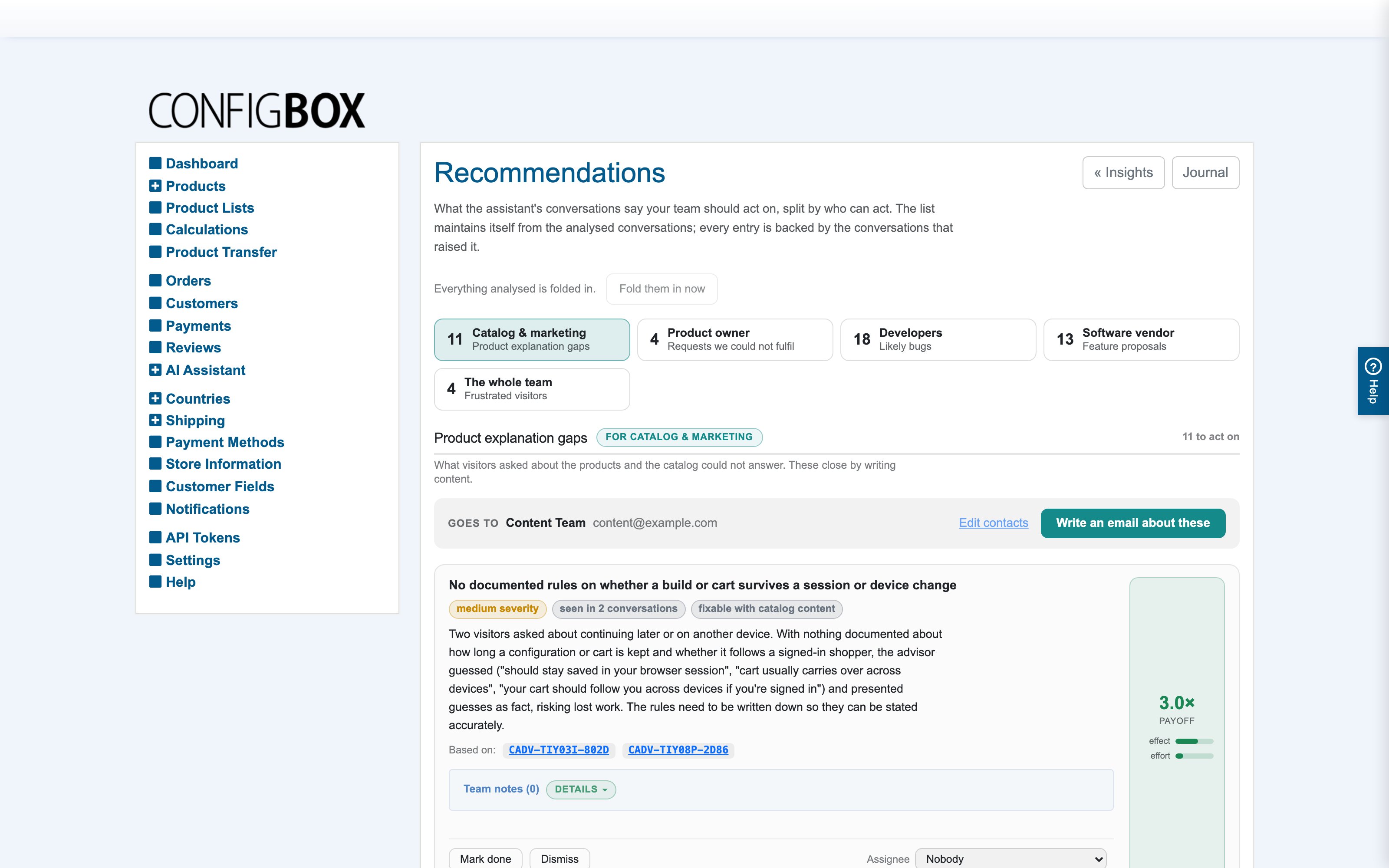
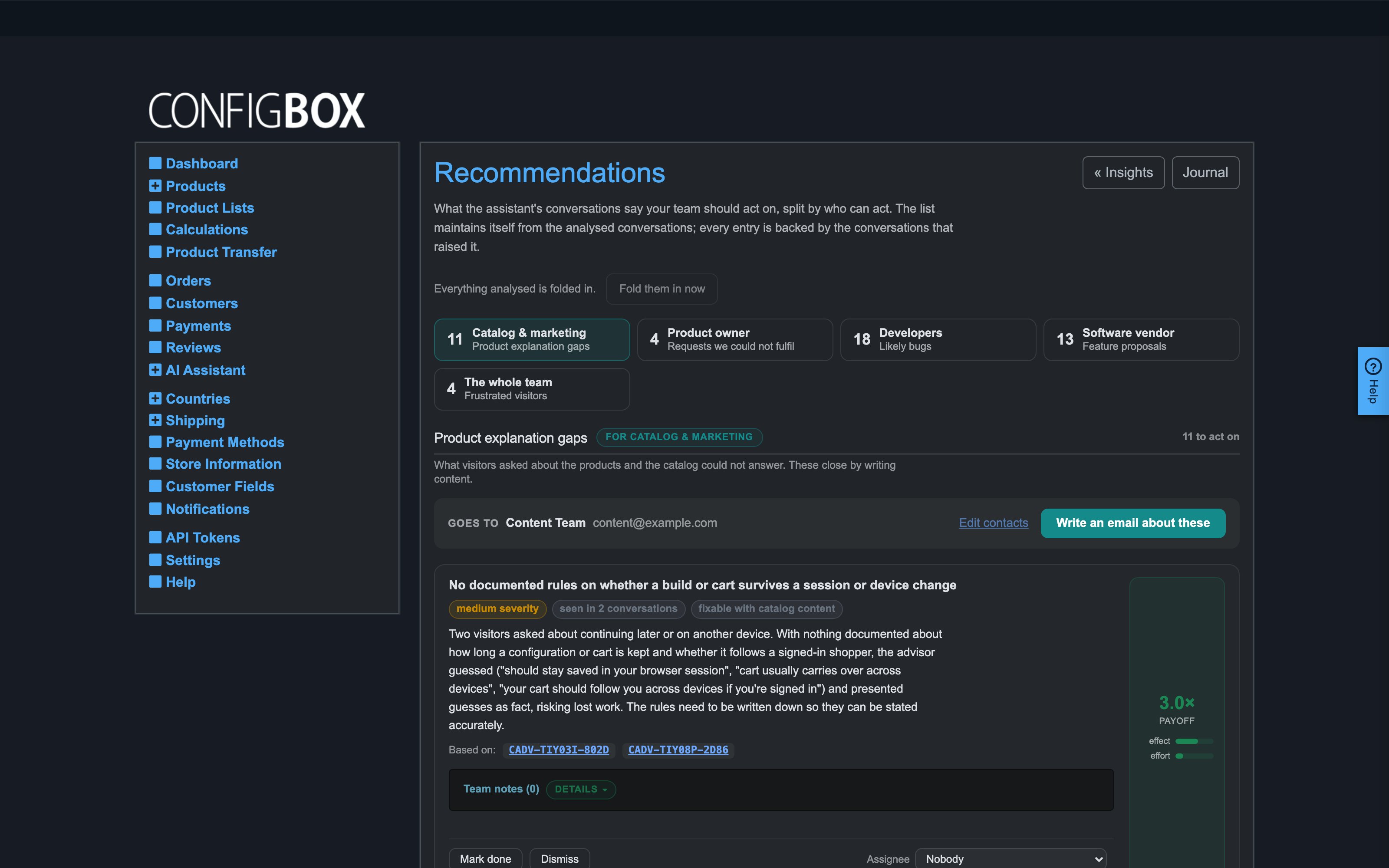
Each entry carries the visitor quotes that raised it, how many conversations hit the same wall, and a payoff — how much effect it buys for how much effort.
The five groups
| Group | Gets | Typically |
|---|---|---|
| Catalog & marketing | Product explanation gaps | Whoever writes product content |
| Product owner | Requests visitors made that the shop could not fulfil | Whoever decides what the shop does next |
| Developers | Likely bugs, each with a ready-made brief | Your developer, agency or in-house team |
| Software vendor | Feature proposals — abilities the assistant lacked | Your ConfigBox contact |
| The whole team | Frustrated visitors | Usually the owner or customer experience |
Each tab counts what still needs action. A group at zero is good news, not an empty screen.
Working the list
Each recommendation can be marked done (say what was done — the note stays on the record) or dismissed (say why — dismissed items stay dismissed; the analysis will not re-file them). Resolved items collapse into Done & dismissed below the list, from where they can be reopened.
Two statuses the system sets on its own:
- sent to the contact — the item was covered by an email from this screen.
- regressed — the item was marked done, and then new conversations hit the same problem. The strongest signal on the screen: a fix that did not hold.
The contacts and the email
Each group has a name and email address in Settings → AI Configurator Assistant. Leave a group empty and nothing breaks — its list stays readable, only the send button is disabled.
-
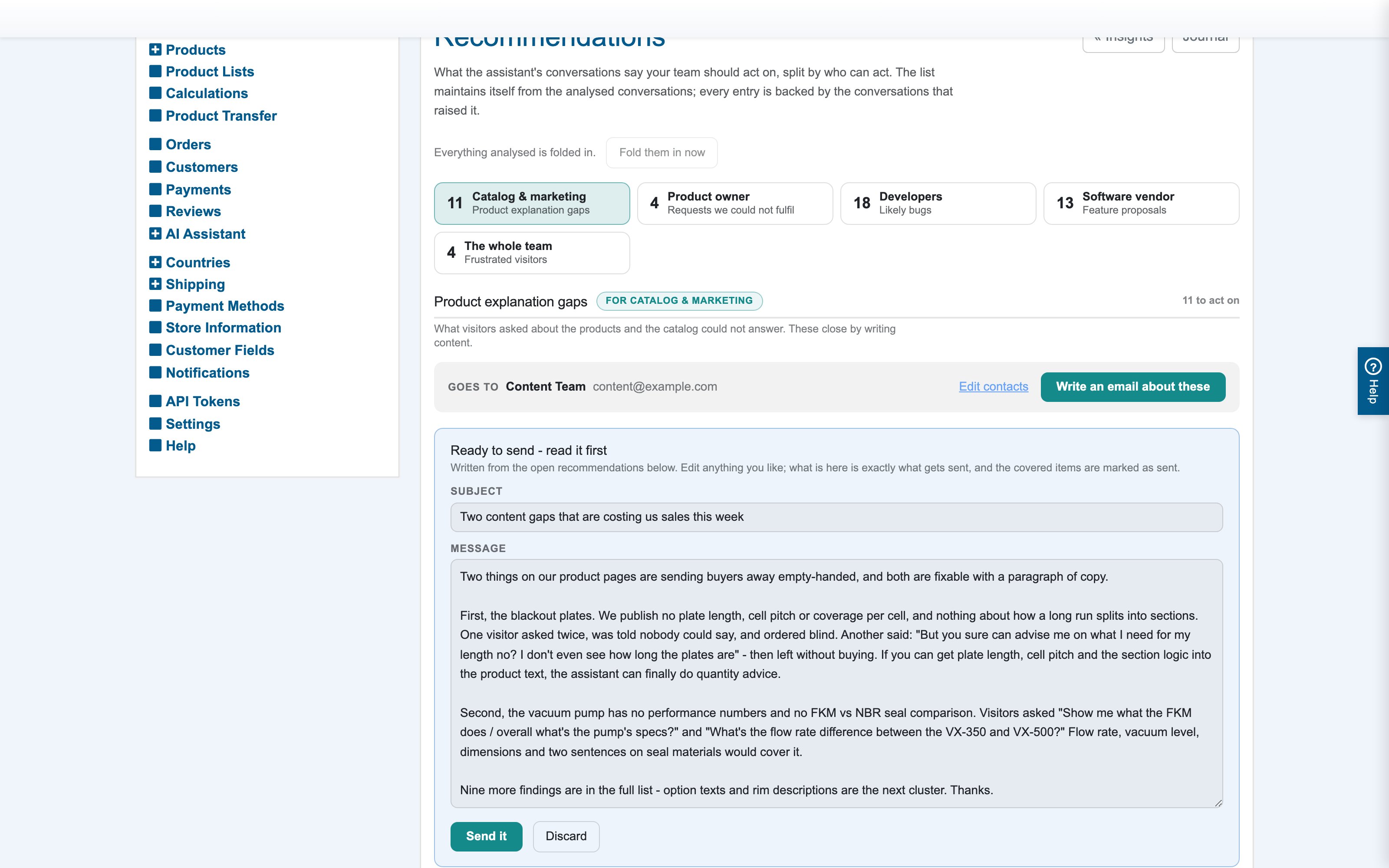
Press Write an email about these. The assistant writes a short email from the group's open items — what to do first and why, quoting real visitors.
-
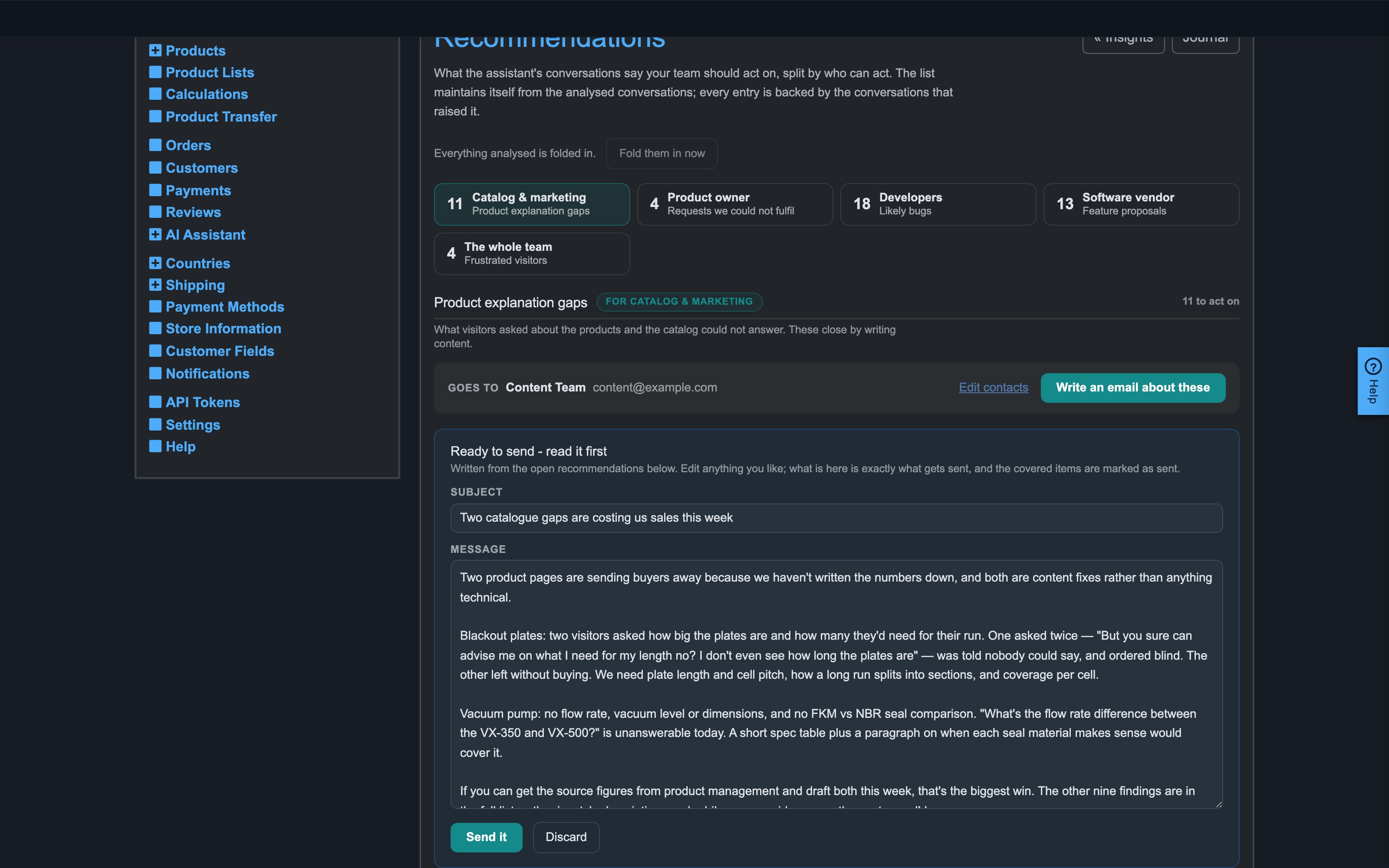
Read it. Subject and message are editable; change anything.
-
Press Send it. Exactly what you see goes out, the covered items are marked sent, and the email itself is kept on record — what was sent to whom, when, covering which items.