Set up shipping
- Version
- 3.x
- Updated
Audience: store admins · Scope: the three Shipping screens · Last reviewed: 2026-07-20
What this does — Decides which delivery options a customer is offered and at what cost. The model is simple and worth internalizing before filling forms:
The customer's country selects the zone · the cart's weight selects the band · every shipping method matching zone + band is offered, with its price and delivery time.
Before you start
- Sketch your zones (e.g. Domestic, EU, Rest of World) and your price logic per zone (flat? weight brackets?).
- If prices depend on weight, make sure your answers carry Weight values — cart weight is the sum of the base weight and the selected answers.
Steps
-
Shippers (under Shipping) — add your carriers ("DHL", "UPS"). These are labels that group methods; nothing more to configure.
-
Shipping Zones — create each zone and tick its member countries. (A country can also be assigned to zones from its own form.)
-
Shipping Methods — one entry per offer the customer can pick:
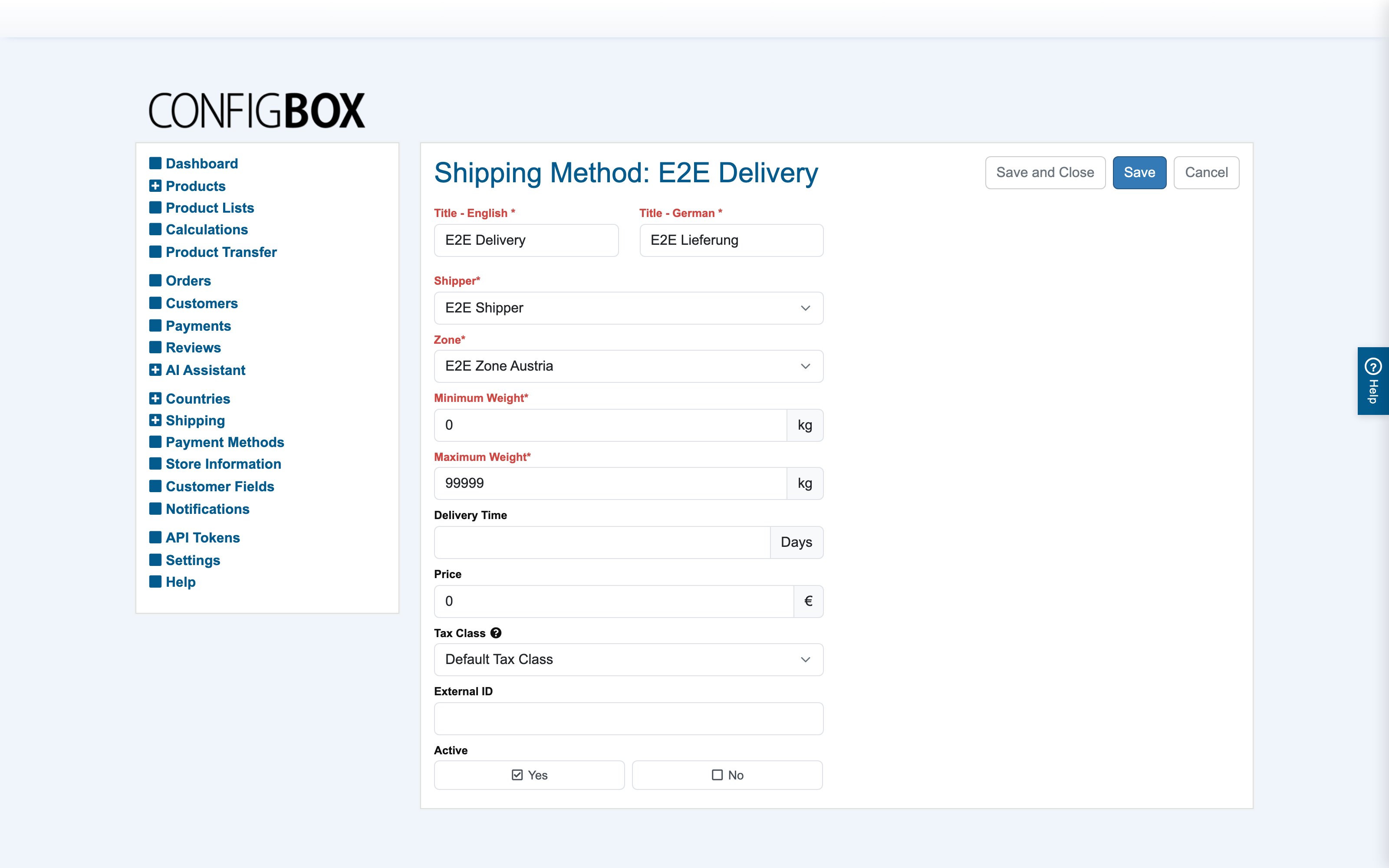
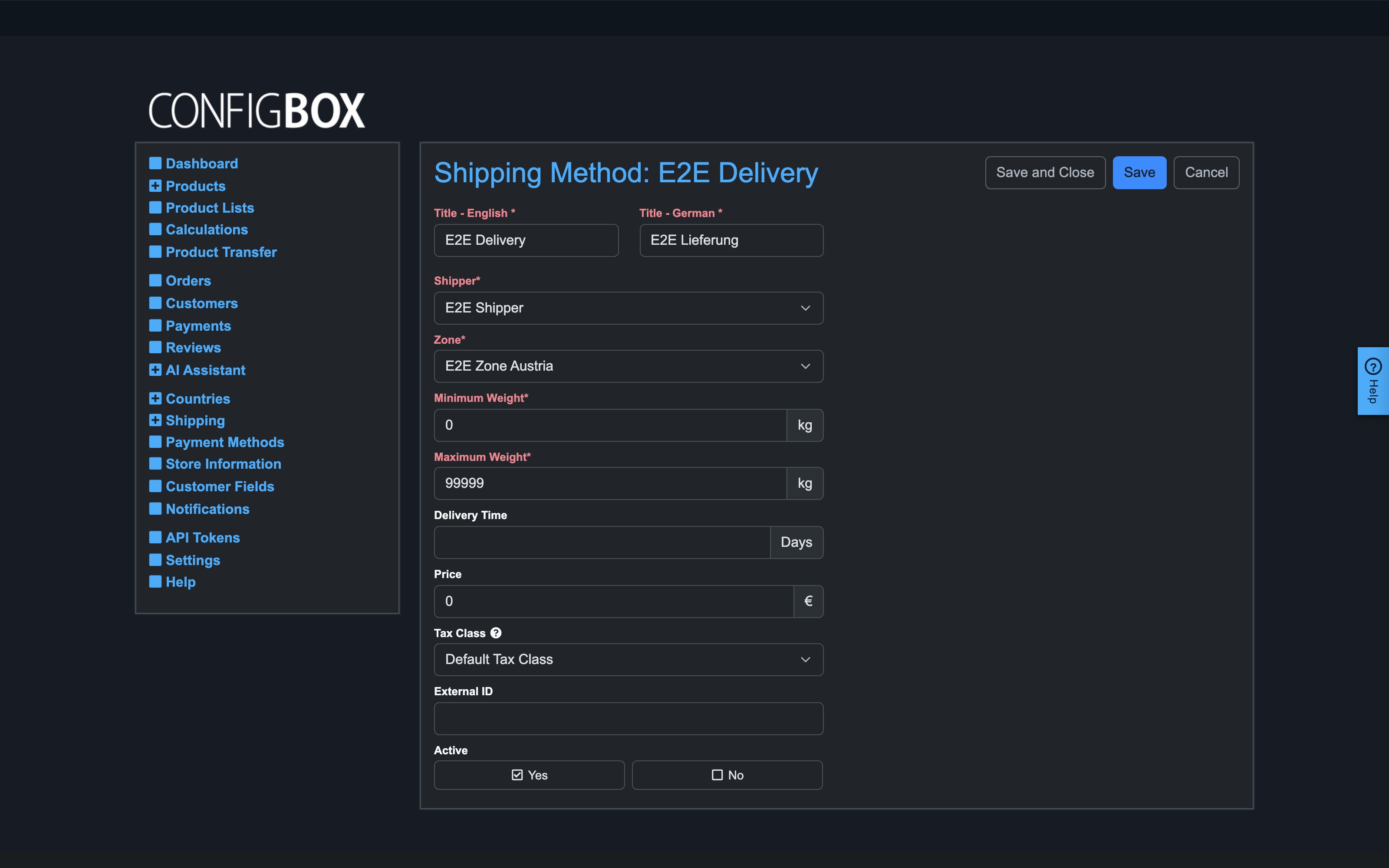
- Title per language — what checkout shows.
- Shipper and Zone — who carries it, where it applies.
- Minimum / Maximum Weight — the cart-weight band (kg) this method covers.
- Delivery Time — a plain "5 days" style promise, shown to the customer.
- Price and Tax Class — what it costs and how that cost is taxed.
- Active on, Save.
For weight brackets, create several methods with the same title and adjoining bands (0–5 kg €10, 5–20 kg €25 …) — the cart weight picks the right one automatically.
What happens next
Checkout offers every active method whose zone contains the customer's country and whose band contains the cart weight. The chosen method's price and delivery time land on the order (and in the live overview earlier, if Show delivery options is on in Settings).
Good to know
- A customer sees no shipping options? Their country is in no zone, or the cart weight falls outside every band — those are the only two causes. Make bands overlap-free but gapless (end one at 5, start the next at 5).
- Digital or service products: switch shipping off entirely with Settings → Checkout → Disable Shipping — the whole step, address fields included, disappears.
- Weight itself can be computed per question/answer via a weight calculation — see pricing; the same mechanism feeds the shipping weight.
- External ID is for integrations that map methods to an outside system; leave it empty otherwise.