Read the dashboard
- Version
- 4.0 preview
- Updated
Audience: store admins · Scope: the CBX Dashboard screen · Last reviewed: 2026-07-20
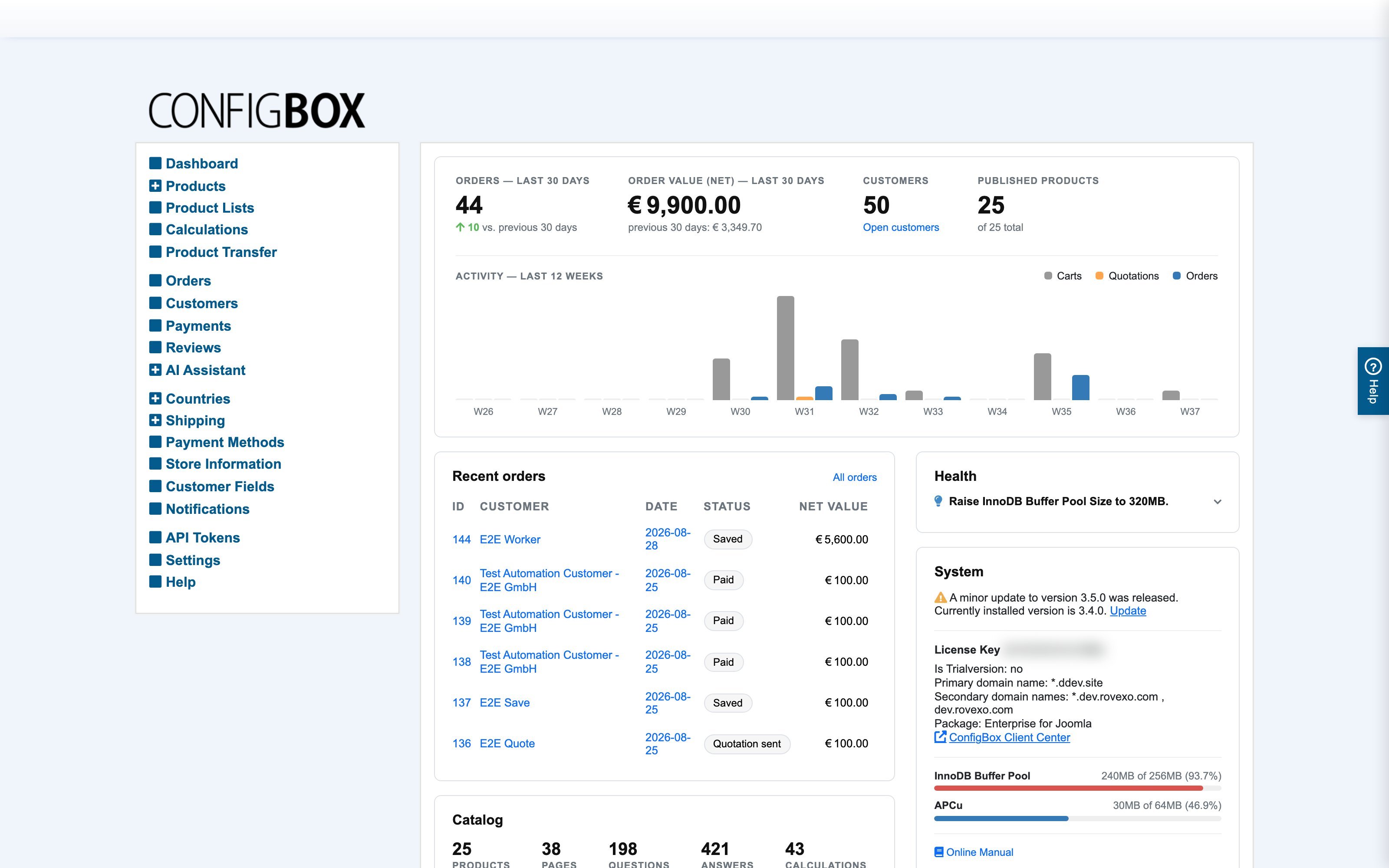
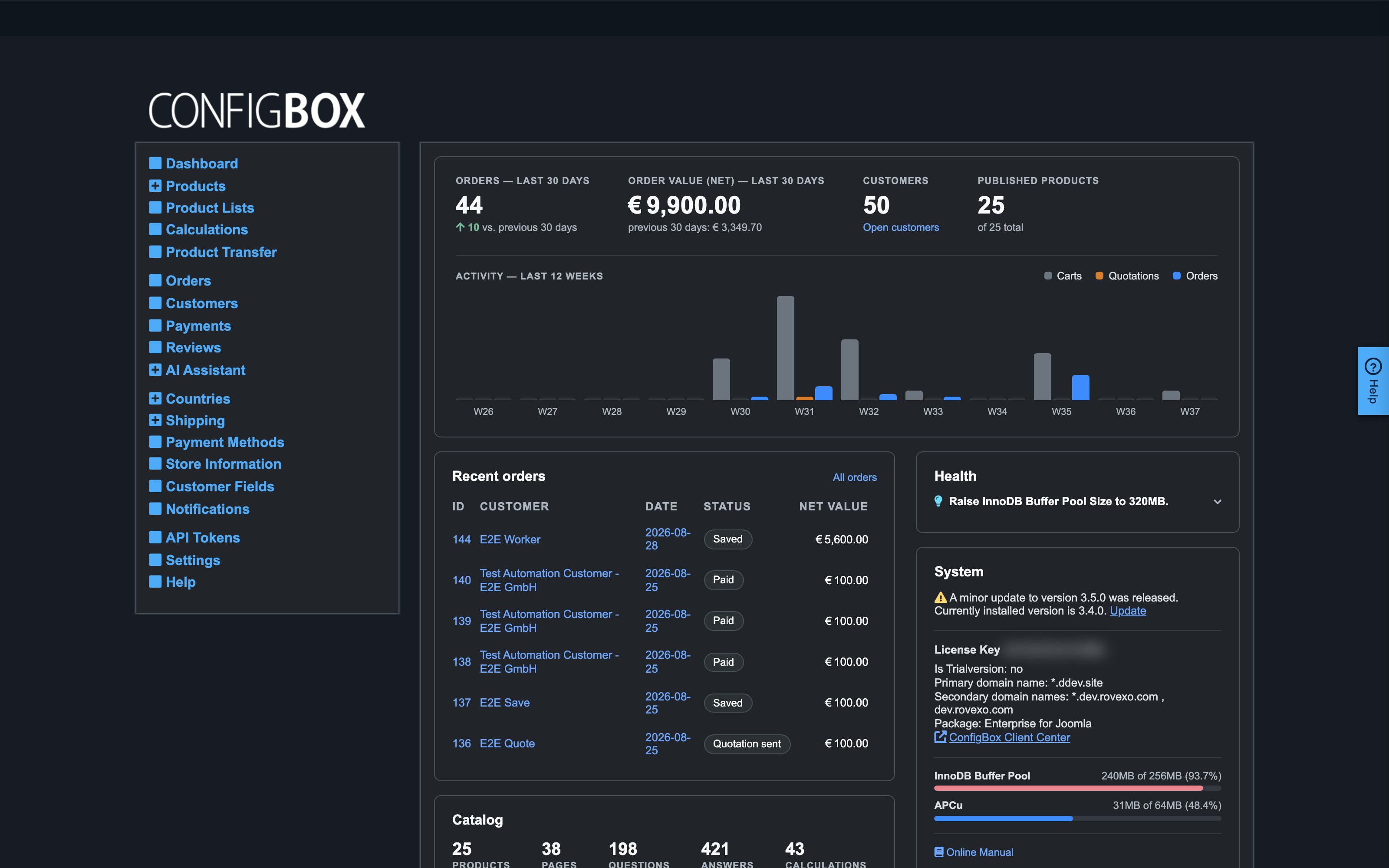
What this does — The Dashboard is CBX's health check: the first place to look when something misbehaves, and worth a glance after any bigger change to your site.
What the panels tell you
- Health Check — actionable problems, each with a short explanation. Typical entries: a missing shop country, folders the server can't write to (uploads and PDFs fail silently without this), too little PHP memory, a missing or expired license, or a halted update. If customers report something broken, read this list first.
- Suggestions to improve performance — server/caching tips. Nice to fix, never urgent.
- Software Update — the installed CBX version and whether a newer release exists, with an update link.
- Your License — your license key and its status. An expired or missing license shows a warning here (and in Health Check) but does not switch your store off.
- CBX Manual — a link to the online manual.
- Current server status — database/cache usage figures; useful to your hosting or support contact when diagnosing performance.
- News — release announcements from the CBX team.
Good to know
- The dashboard only reports — nothing on it changes your store. It is always safe to look.
- A "failed update detected" warning means a database update didn't complete and further updates are paused until it's resolved — contact whoever maintains your site; don't ignore it, as parts of the admin can misbehave until it's fixed.
- Warnings about PHP settings, folder permissions and database privileges are for your hosting provider or developer — forward the exact wording; it names precisely what needs changing.