Run CBX on a Magento 2 site
- Version
- 4.0 preview
- Updated
Audience: store admins on Magento 2-hosted stores · Scope: pointers to the Magento-specific documentation · Last reviewed: 2026-08-01
What this does — Tells you the little that is different on Magento before you continue with the shared path, and where the rest of the Magento story lives. Magento changes more than the other hosts do — it has its own system in this guide, so this page stays short on purpose.
Log in and find CBX
-
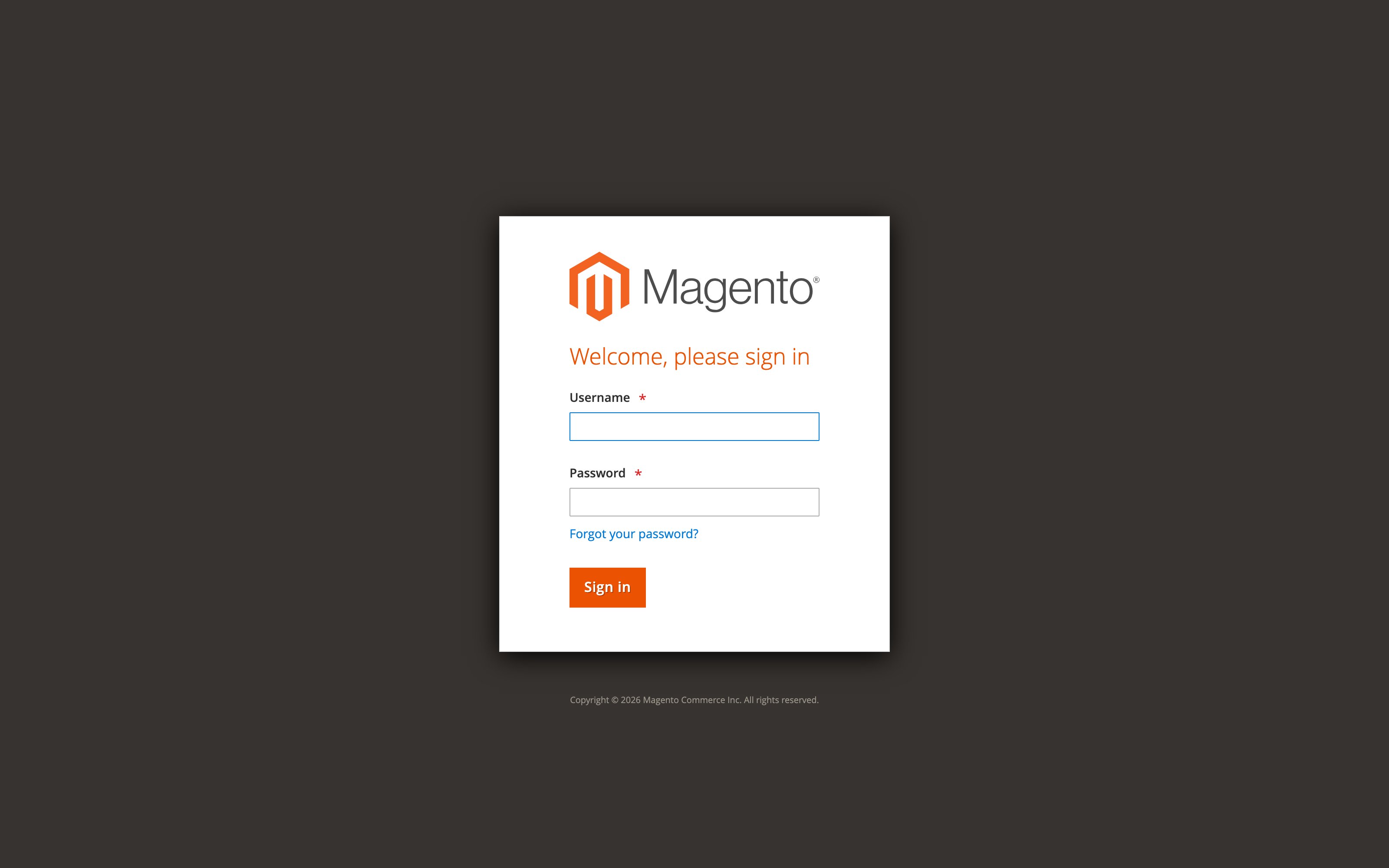
Open your Magento admin address and sign in.
-
In the left sidebar, choose CBX → Administration.
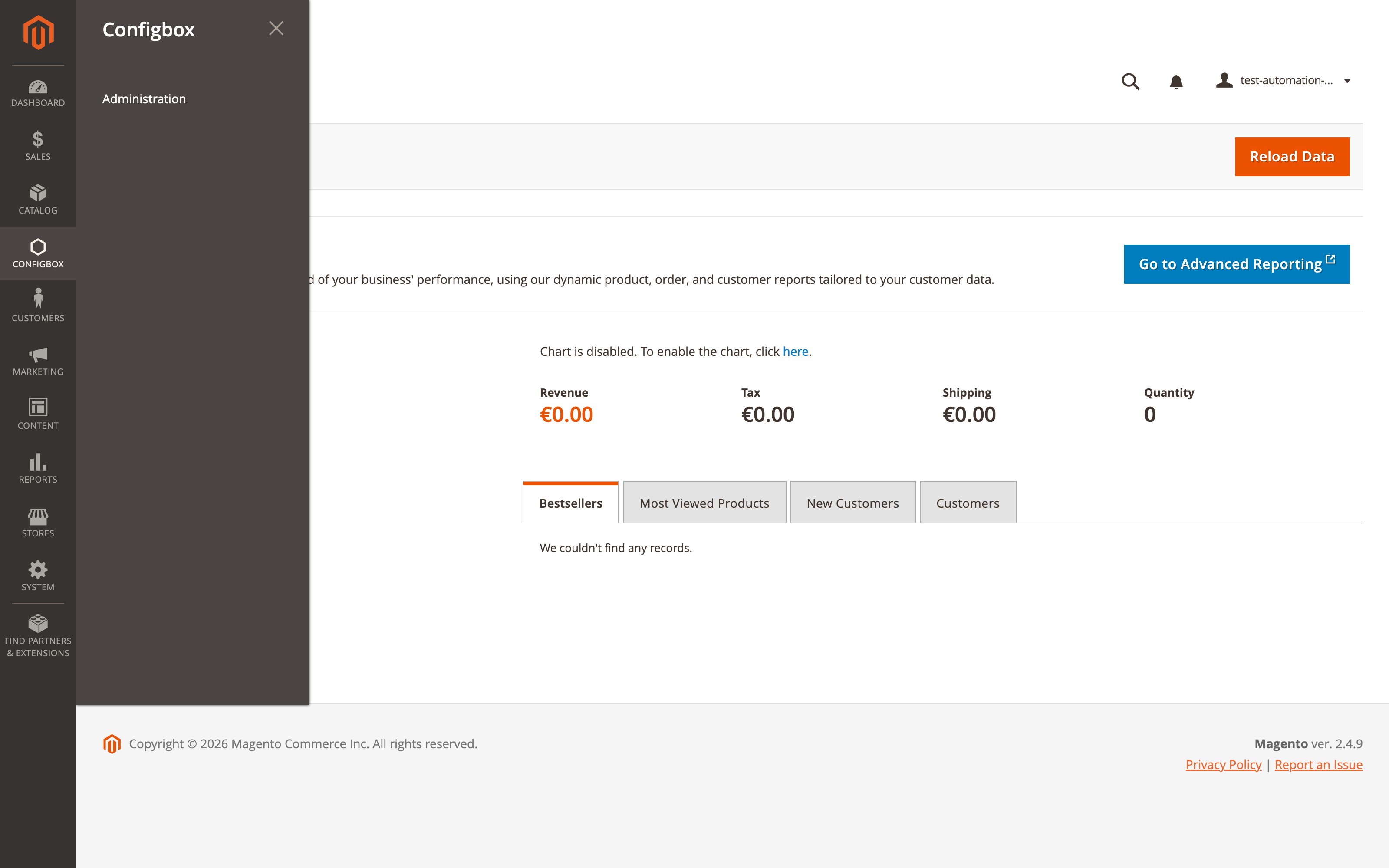
From there the CBX screens are the same as on every other host.
The essentials
- CBX is the configurator; Magento is the shop. You build products, questions, rules and prices in CBX and attach them to Magento catalog products — cart, checkout, orders, customers, emails, taxes, shipping and payment are all Magento's job.
- Your CBX menu shows only four entries — Dashboard, Products, Calculations, Settings. The rest of the menu this section describes is deliberately absent, not broken.
- The setup wizard is shorter too: it stops after the language settings, because taxes, store information and currencies are Magento's own settings.
Where to read on
- CBX on Magento 2 — the Magento system of this guide: the who-does-what table, which parts of the guide apply to you, and how configured products show up in Magento carts and orders. Read it before anything else in this guide.
- Connect a CBX product to a Magento product — the one Magento-specific task: making a catalog product configurable.
- Magento 2 platform guide — for developers and integrators: installation, command line, technical behavior.