Keep your store information current
- Version
- 4.0 preview
- Updated
Audience: store admins · Scope: the Store Information screen · Last reviewed: 2026-07-20
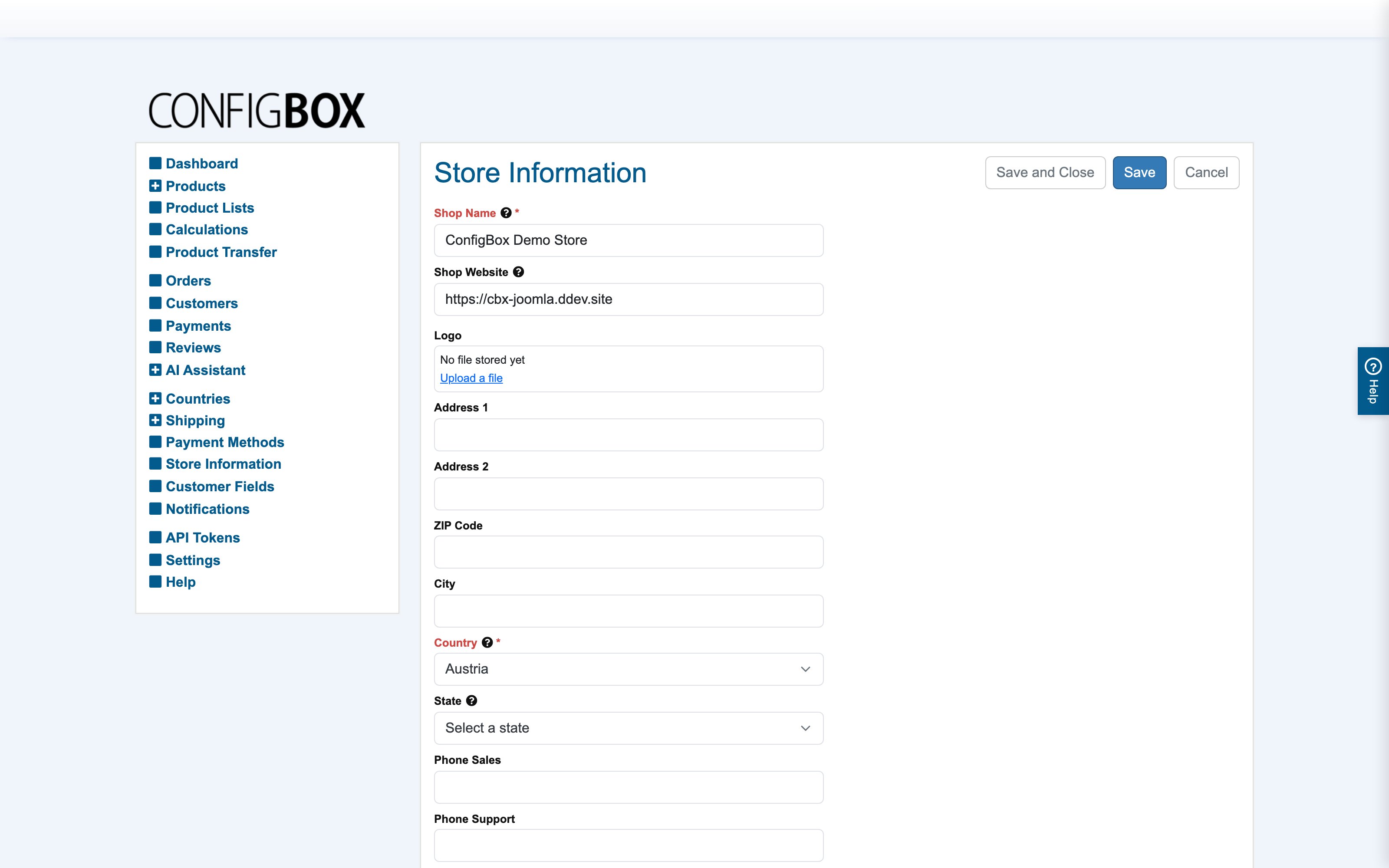
What this does — One screen holds your company's identity, and generated documents pull from it: invoices, quotations, transactional emails and legal pages all substitute these values into their placeholders. A typo here doesn't stay here — it ends up printed on customer paperwork.
What's on it
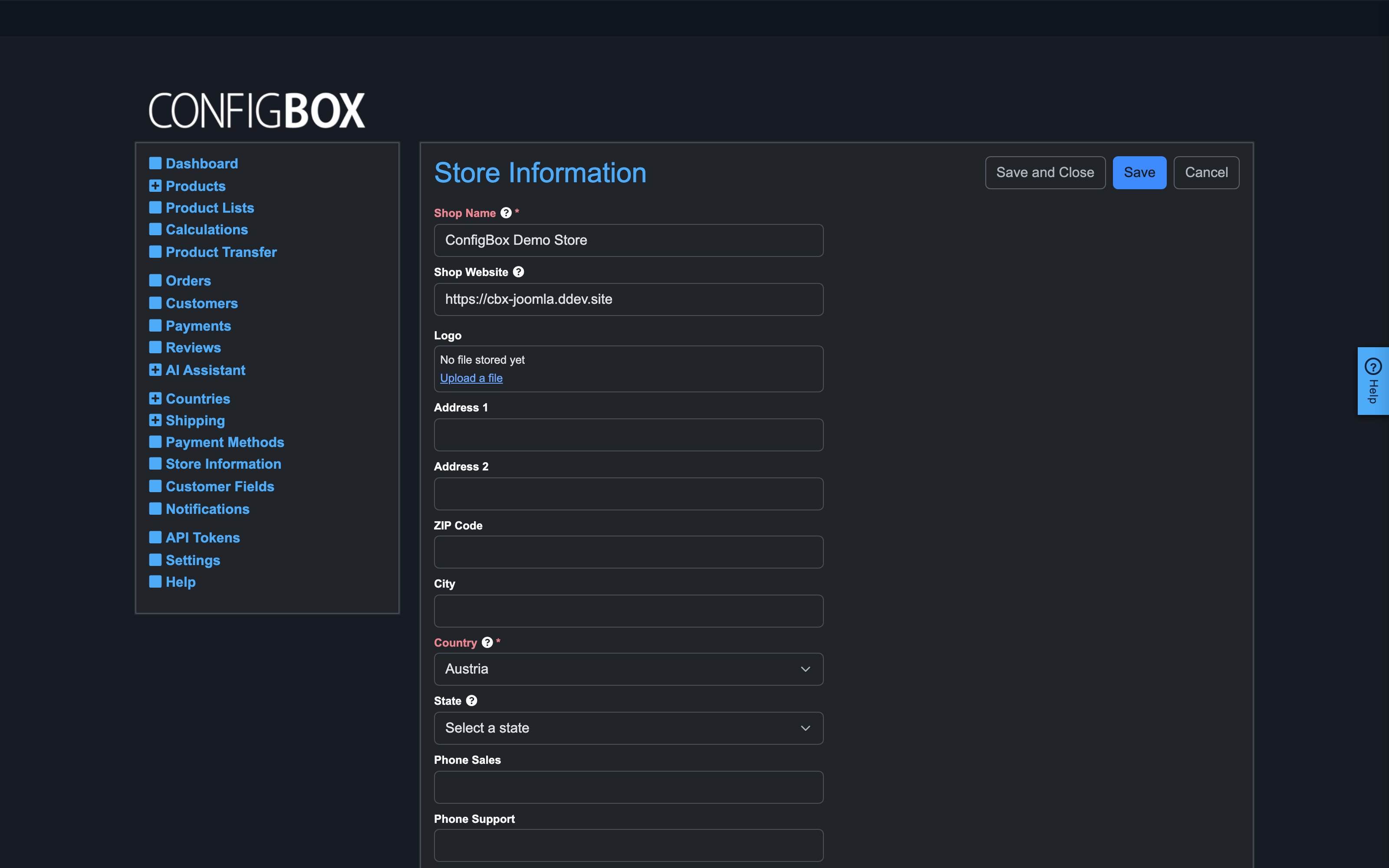
- Identity — shop name, website, and the logo used on PDFs.
- Address & contact — the address block, sales/support phone and email, fax.
- Banking — bank name, account holder, IBAN, BIC … — printed on invoices and shown for bank-transfer payment. The IBAN customers wire money to comes from here.
- Legal/registration — VAT number, commercial register ID, company owner, legal venue — the imprint-style data legal pages and documents cite.
- Shop Description — translatable descriptive text usable in templates and communications.
When to touch it
- On day one — the setup wizard fills the essentials; complete the rest before the first real order, especially banking and legal data.
- On any change of address, bank account or contact details — the next generated invoice uses whatever stands here at that moment.
Good to know
- Already-generated invoices are not rewritten by later edits — they keep the data they were created with (as they should). Correct the data, then regenerate/re-release only where appropriate.
- After editing, generate a test document — order something in a test run and download the invoice — to see the values in place. Layout oddities usually mean an overlong field, not a broken template.
- The email addresses here are what customers see as contact points; the sender of transactional emails follows your site's mail configuration.