Track payments
- Version
- 3.x
- Updated
Audience: store admins · Scope: the Payments screen and the customer's payment pages · Last reviewed: 2026-08-15
What this does — Every payment attempt a customer makes is recorded, whatever its fate: paid, declined, abandoned, still pending. The Payments screen shows them all, tells the full story of each, and is where you settle payments that arrive outside the provider — bank transfers above all.
Reading the list
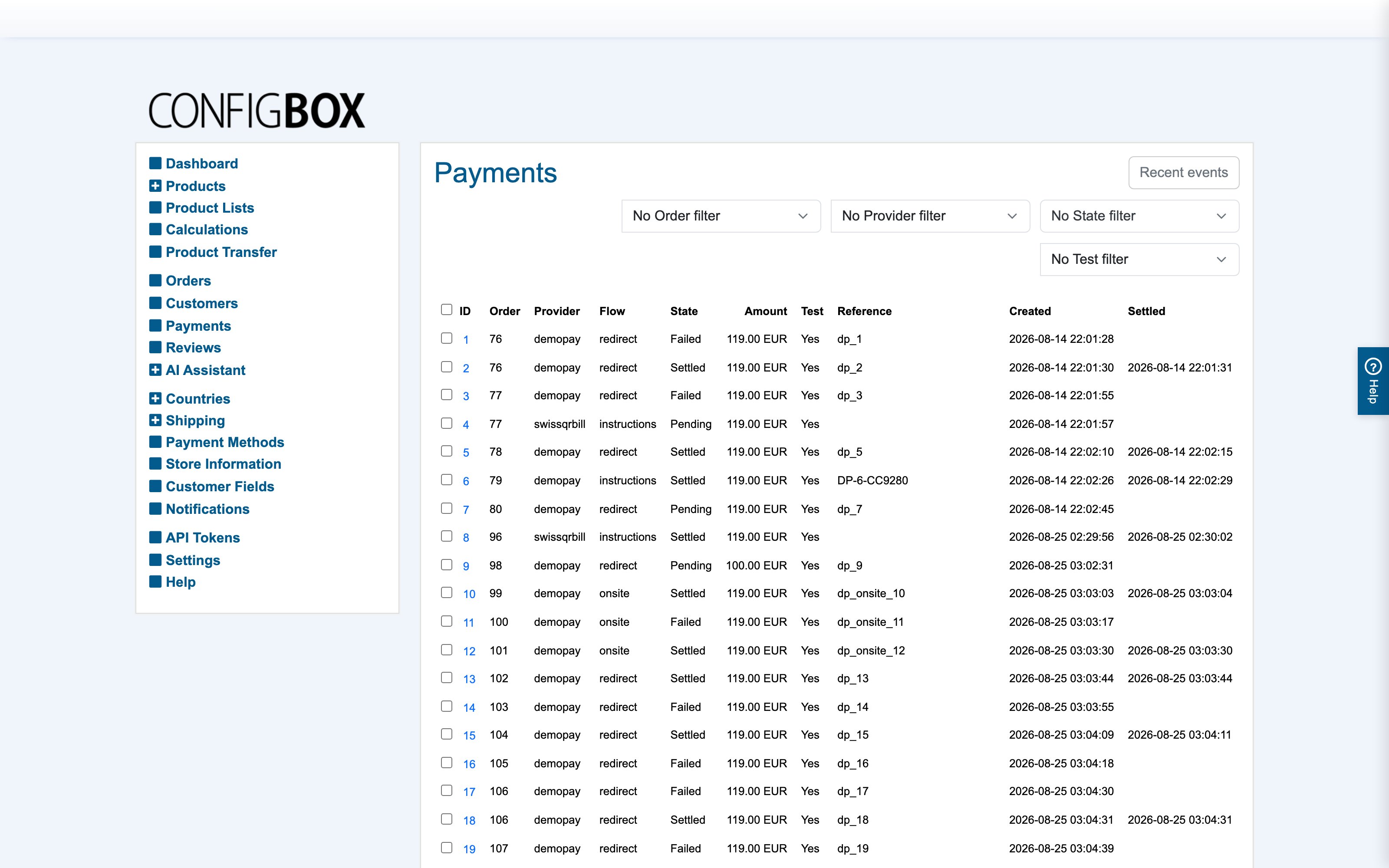
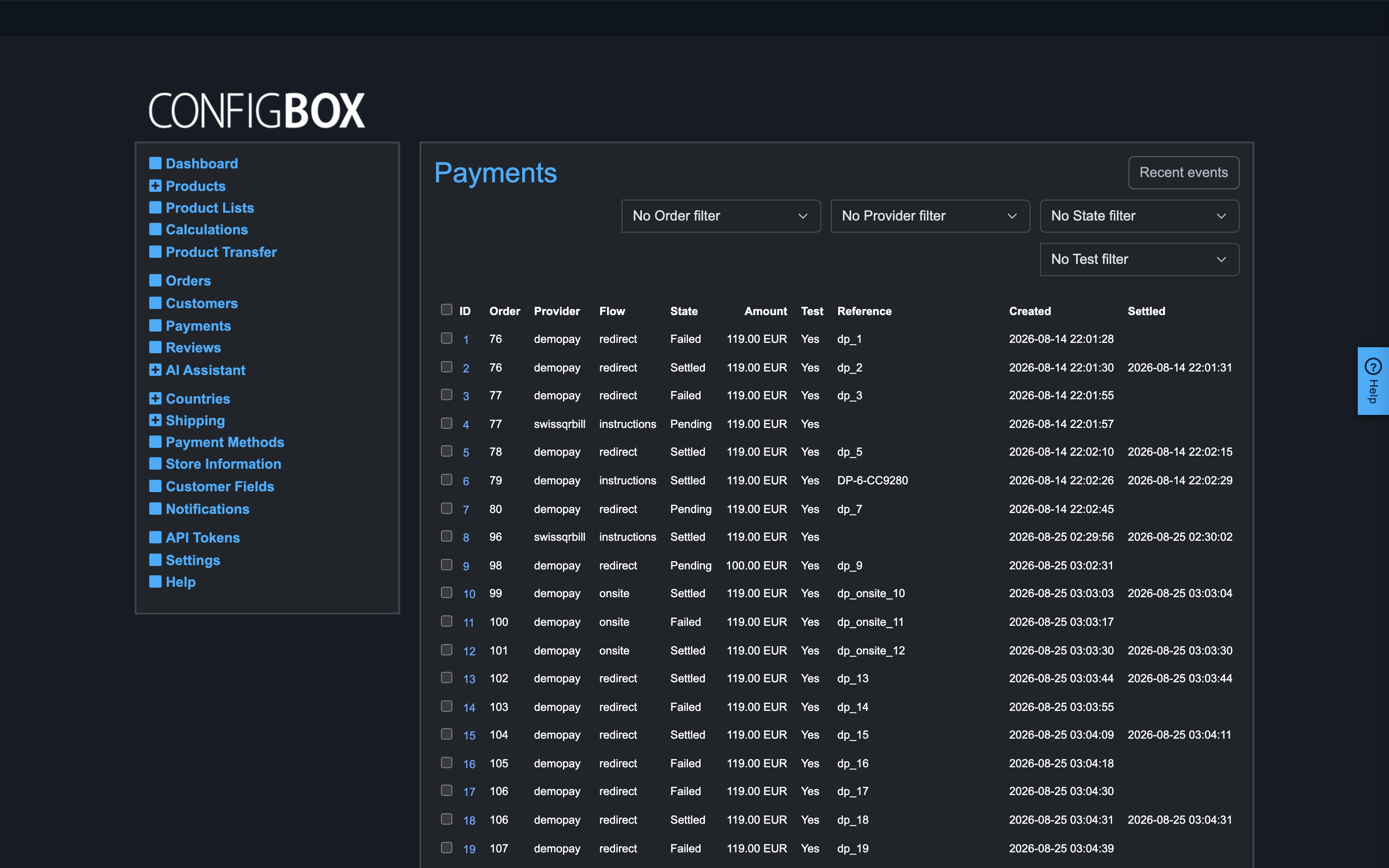
Open Payments in the ConfigBox menu. Each row is one payment attempt: its order, provider, amount, state and when it last changed. Filter by state, provider, test/live or date to find what you need. An order the customer retried appears once per attempt — that is intentional; the failed attempt stays visible next to the successful one.
The states in plain words:
| State | Meaning |
|---|---|
| Pending | Started; the outcome is not known yet — normal for bank transfers and slow methods |
| Settled | The money is confirmed; the order flipped to Paid |
| Failed | Declined or errored — the customer was offered a retry |
| Canceled | The customer backed out on the provider's page |
| Expired | Never finished and timed out at the provider |
The payment detail
Click a row to see everything about that payment: the facts (amounts, references at the provider, test or live) and the timeline — every step from creation through provider responses to the final state, including calls the provider made to your store. When something looks wrong, the timeline is where you find out what actually happened; nothing about a payment lives only in a log file.
Three buttons act on a payment:
- Mark as settled — for money that arrives outside the provider: you saw the bank transfer on your statement, so the payment settles and the order flips to Paid. The timeline records that you did this, and when.
- Mark as failed — writes off an attempt you know is dead.
- Check with provider — asks the provider for the current status right now, for providers that support it. The store also does this on its own for pending payments, so this button is for impatience, not necessity.
What the customer sees
After paying, the customer lands on one of three pages with stable, readable addresses — handy if you track conversion funnels:
- Thank you (
/thank-you/) — the payment is confirmed. - Payment pending (
/payment-pending/) — nothing is wrong; the confirmation just has not arrived yet. For bank transfers this page shows your account details, the payment reference and (for Swiss QR-bill) the scannable QR code. The page watches for the confirmation and forwards itself to the thank-you page the moment it arrives. - Payment failed (
/payment-failed/) — with a button that reopens the checkout exactly as the customer left it, so they can retry or switch to another payment method.
These pages never lie: opening the thank-you address of an unpaid order redirects to the honest one.
Good to know
- Orders are never marked Paid automatically at placement. An order waits on Awaiting payment until its payment settles — through the provider's confirmation, a re-check, or your Mark as settled.
- If a provider reports a different amount than the order expects, the payment fails and the order is set to Incorrect amount paid rather than silently accepting the difference.
- Recent events (in the Payments screen) lists the last provider calls across all payments — the place to look when a provider claims "we notified your store".
- Test payments are marked as such in the list; filter them out when reconciling real money.